
Plays in the language you are reading. Tap any paragraph to start from there.
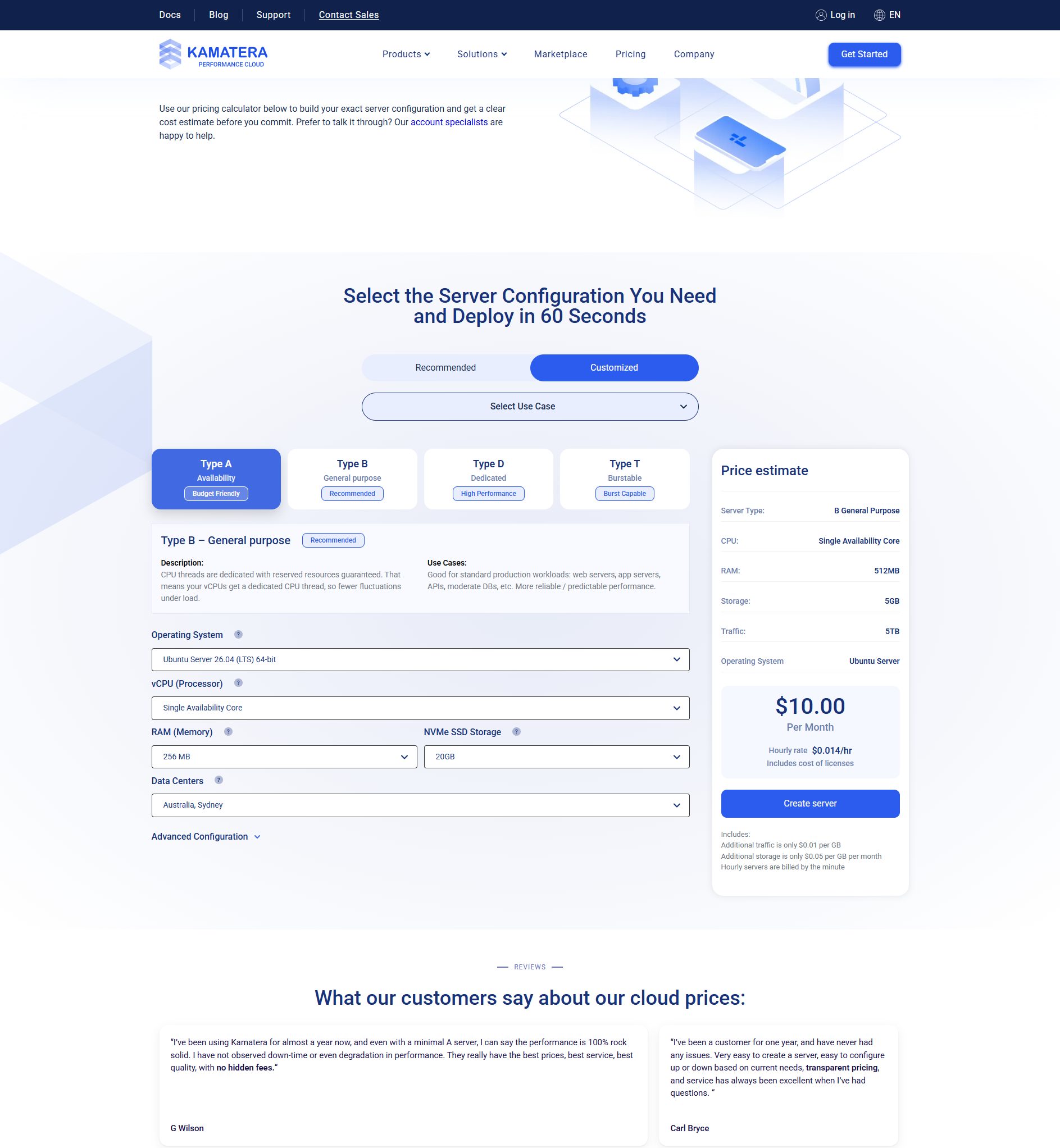
Kamatera offers dedicated CPU options (Type D) for workloads that need reserved physical cores. You get exclusive access to your CPU resources with no sharing. This is ideal for PCI-DSS compliance, high-performance databases, and CPU-intensive applications.
Compare dedicated vs standard Kamatera pricing starts from the Type D base rate plus your chosen RAM and storage. While Kamatera’s dedicated option is not a traditional bare-metal server rental, the dedicated CPU model gives you the performance isolation you need at a fraction of the cost of full dedicated servers from AWS or Rackspace. For most businesses needing dedicated resources, Kamatera’s Type D configuration hits the sweet spot.
When your workload grows, shared resources are not enough. You need dedicated performance. Consistent CPU power that does not fluctuate based on what other users are doing.
Kamatera’s dedicated server solution is different from traditional dedicated hosting. Instead of renting an entire physical machine, you reserve specific CPU cores that belong only to you. The rest of the server (RAM, storage, networking) remains virtualized but is provisioned on the same dedicated host.
This hybrid approach gives you the best of both worlds. Dedicated CPU performance with cloud flexibility.
Understanding Kamatera CPU Types
Before diving into dedicated servers, you need to understand the three CPU types Kamatera offers.
| Type | Name | Resource Model | Best For |
|---|---|---|---|
| Type A | Availability | Shared — priority access | Dev, staging, low-traffic |
| Type B | General Purpose | Semi-dedicated — limited tenants | Production web apps, databases |
| Type D | Dedicated | Reserved physical cores — no sharing | High-performance, compliance, intensive workloads |
Type D is the dedicated option. Your vCPUs map directly to physical CPU cores on the host server. No other virtual machines use those cores. The performance is consistent and predictable.
Related reading:
Kamatera Dedicated Server Pricing
Dedicated CPU pricing starts at a premium over Type A and Type B. Here are approximate costs for common dedicated configurations.
| Configuration | vCPU (Type D) | RAM | Storage | Approx. Monthly |
|---|---|---|---|---|
| Dedicated Entry | 2 Type D | 4 GB | 40 GB SSD | ~$50-60 |
| Dedicated Standard | 4 Type D | 8 GB | 80 GB SSD | ~$100-120 |
| Dedicated Pro | 8 Type D | 16 GB | 160 GB SSD | ~$200-240 |
| Dedicated Enterprise | 16 Type D | 32 GB | 320 GB SSD | ~$400-480 |
Note: Pricing varies based on data center location and specific hardware. Always use the Kamatera pricing calculator for exact quotes on your dedicated configuration. Prices shown are estimates based on typical configurations.
When Do You Need a Dedicated Server?
Not everyone needs dedicated resources. Here are the situations where Type D makes sense.
High-Performance Databases
Database workloads are sensitive to CPU fluctuations. Dedicated cores ensure consistent query performance. Great for production databases with high transaction volumes.
PCI-DSS Compliance
Payment card industry standards often require dedicated resources. Type D CPU isolation helps meet compliance requirements without renting a full dedicated server.
CPU-Intensive Applications
Video encoding, data processing, scientific computing, and AI/ML workloads need consistent CPU power. Shared resources can introduce unpredictable performance.
Financial Applications
Trading platforms, financial modeling, and high-frequency data processing require deterministic performance. Dedicated CPUs eliminate the risk of noisy neighbors.
Kamatera Dedicated vs Traditional Dedicated Servers
How does Kamatera’s dedicated CPU model compare to renting a full physical server?
| Factor | Kamatera Type D | Traditional Dedicated |
|---|---|---|
| Physical hardware | Shared host, dedicated cores | Entire server to yourself |
| CPU isolation | Full — reserved cores | Full — all cores |
| RAM | Shared but provisioned | Full dedicated RAM |
| Scalability | Scale up/down anytime | Requires migration |
| Deployment time | 60 seconds | Hours to days |
| Price | $50-500+/mo | $100-1000+/mo |
| Contract | None — cancel anytime | Often 1-3 year commitment |
For most businesses, Kamatera’s Type D model is the better choice. You get dedicated CPU performance without the long deployment times and inflexible contracts of traditional dedicated servers.
How to Configure a Kamatera Dedicated Server
Setting up a dedicated CPU server on Kamatera is straightforward. Here is the process.
- Log into the Kamatera dashboard. Create an account or start your free trial.
- Open the server builder. Click “Create Server” to start configuring.
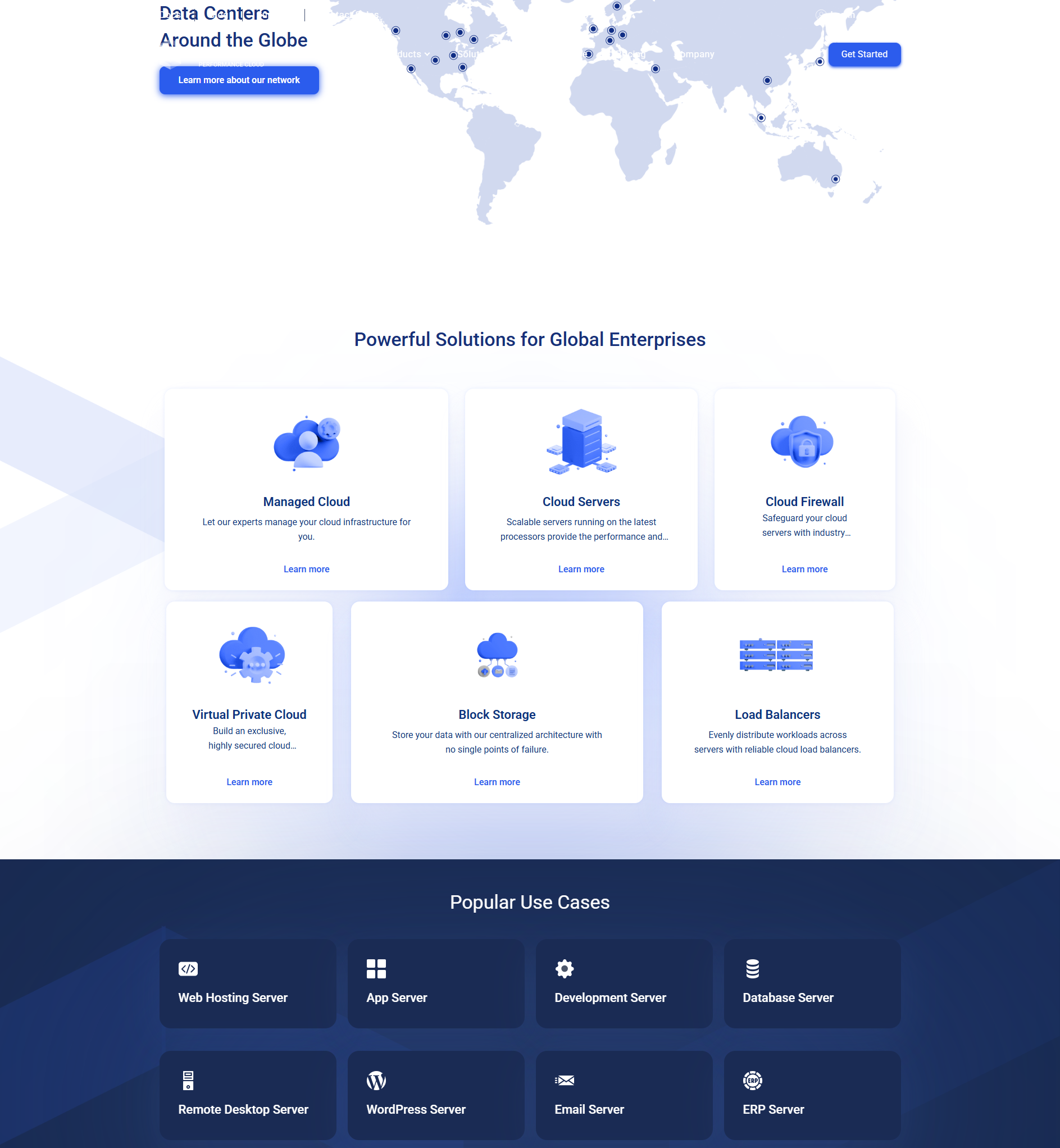
- Choose Custom configuration. Select the Customized tab to access all options.
- Select Type D CPU. Under CPU type, choose “Type D — Dedicated.” Then select the number of dedicated vCPUs.
- Set your RAM and storage. Choose the amount of RAM and NVMe SSD storage you need.
- Pick your OS and data center. Choose from Linux, Windows, or FreeBSD. Select the data center closest to your users.
- Review pricing and deploy. The calculator shows your exact monthly cost. Click deploy and your server is ready in 60 seconds.
Pro tip: Start with Type B (General Purpose) before moving to Type D. Most workloads perform perfectly well on Type B. Only upgrade to dedicated if you can measure a real performance need. This saves you money.
Kamatera Dedicated Server Use Cases
E-commerce on Dedicated Resources
If you run a high-traffic WooCommerce or Magento store, dedicated CPUs ensure consistent checkout performance. A slow checkout costs sales. Dedicated resources eliminate the risk of resource contention during traffic spikes.
Database Hosting
Production databases benefit enormously from dedicated CPU resources. Query performance becomes predictable. No more mysterious slowdowns during peak hours. MySQL, PostgreSQL, and MongoDB all benefit from Type D configurations.
SaaS Applications
When you offer software as a service, performance consistency is critical. Customers expect fast response times 24/7. Dedicated CPUs help you deliver that consistency.
Test dedicated performance for free
Try Kamatera’s dedicated CPU servers with $100 free credit. Configure a Type D server, run your workloads, and see the performance difference — completely risk-free for 30 days.
Dedicated vs VPS: Which Should You Choose?
Here is a simple decision framework.
| Your Situation | Recommended | Why |
|---|---|---|
| Development and testing | Type A or Type B VPS | No need for dedicated resources |
| Small business website | Type B VPS | Ample performance at low cost |
| Growing web application | Type B VPS | Start here, upgrade only if needed |
| High-traffic e-commerce | Type D Dedicated | Consistent checkout performance |
| PCI-DSS compliance | Type D Dedicated | Resource isolation for compliance |
| Video/ML processing | Type D Dedicated | Consistent CPU for intensive tasks |
For most users, Type B is the right choice. Only upgrade to Type D if you have a specific need for dedicated CPU resources.
Add Kamatera managed services to your dedicated server Dedicated Servers
If you need dedicated CPU performance but do not want to manage the server yourself, Kamatera’s managed services work with Type D configurations. For $50/month per server, Kamatera handles:
- Server setup and initial configuration
- OS updates and security patching
- Security hardening and firewall rules
- Regular backups and monitoring
- Proactive issue resolution
This is a great option for businesses that need dedicated performance but do not have a dedicated system administrator on staff.
Kamatera Dedicated Server FAQ
What is a Type D dedicated CPU on Kamatera?
Is a Kamatera dedicated server the same as a bare-metal server?
How much does a Kamatera dedicated server cost?
Can I upgrade from Type A or B to Type D later?
Does Kamatera offer managed dedicated servers?
Is a dedicated server worth the extra cost?
Final Verdict
Kamatera’s dedicated server option (Type D) is a solid choice for businesses that need CPU resource isolation. The dedicated cores provide consistent, predictable performance without the cost and complexity of traditional dedicated servers.
The ability to scale up or down, deploy in 60 seconds, and avoid long-term contracts makes Kamatera’s Type D model more flexible than traditional dedicated hosting.
For most users, the Type B (General Purpose) VPS is sufficient. But if your workload demands dedicated CPU resources, Kamatera delivers excellent value.
Try dedicated CPU performance risk-free
Get $100 in free credit. Configure a Type D dedicated server. Test the performance difference for yourself — 30 days, completely free, no commitment.

- Does Antivirus Still Matter? What Testing Shows - September 15, 2026
- Tube Magic vs ChatGPT: Are You Paying for a Wrapper? - September 15, 2026
- Ransomware and Small Business: The Real Numbers - September 12, 2026