
Plays in the language you are reading. Tap any paragraph to start from there.
Short version: partly free, with a full free trial on top. Let me explain like a friend would. 🔍
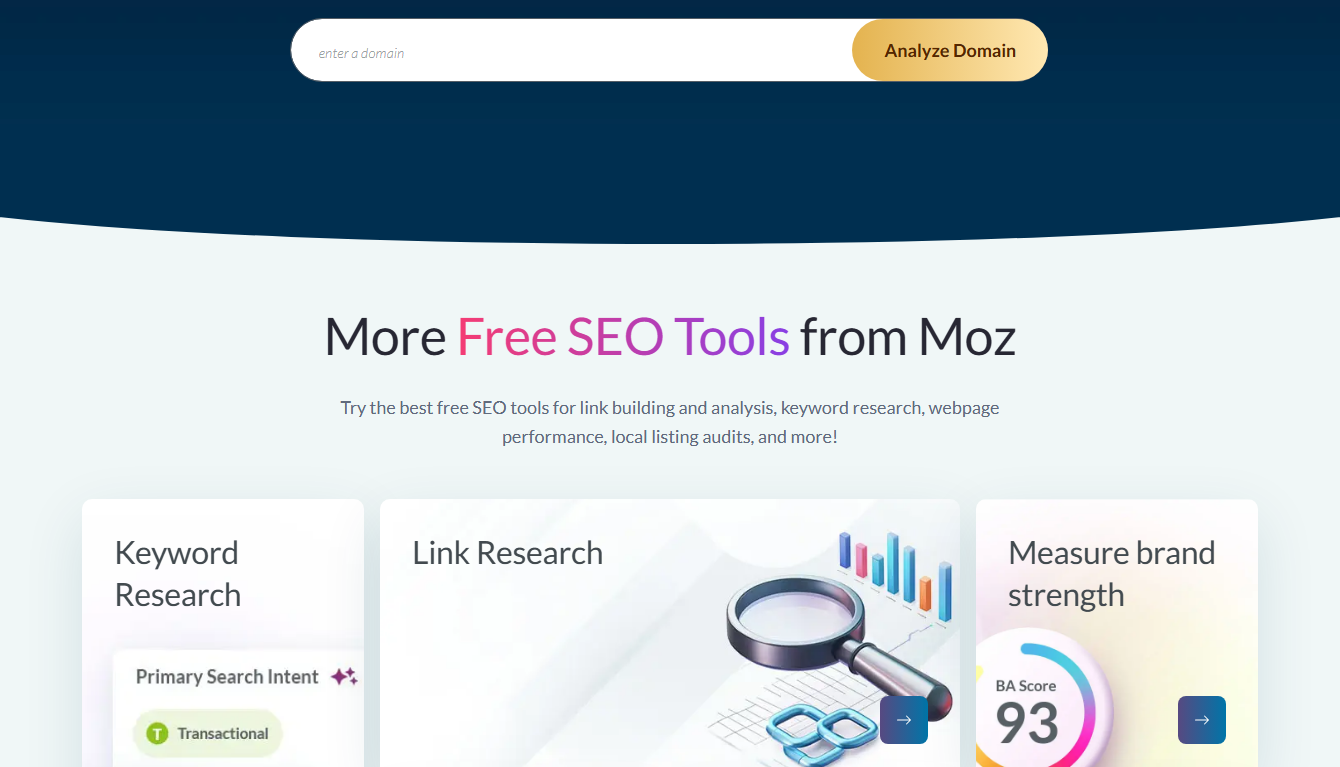
Moz gives away some real tools. No payment. But the full power, Moz Pro, costs money. So "free" needs an asterisk.
▶️ Watch on YouTube: Moz Free Trial 2026 Full Walkthrough (Get the $179 Plan for $0)
Here's exactly what you get for nothing, and where the paywall starts.
🚀 Use the full paid toolset free for 30 days
Is Moz free? The direct answer 📊
Yes and no. Moz has free tools you can use right now. And a 30-day free trial of Moz Pro. But the full toolset, long-term, is paid.
So it's "free to start," not "free forever." That's normal for SEO tools. The free part is real, though.
What you get for free 🆓
Moz hands out some genuinely useful tools.
| Free tool | What it does |
|---|---|
| MozBar | Quick SEO checks in your browser ✅ |
| Link Explorer | See backlinks (limited) |
| Domain Analysis | Check Domain Authority |
| Keyword Explorer | A few free searches/day |
| MozCast | Track Google algorithm changes |
That's a solid free starter kit. You can check a site's strength, peek at backlinks, and find a few keywords without paying.
💡 Want the full data? Test Pro free for 30 days
Where the paywall starts
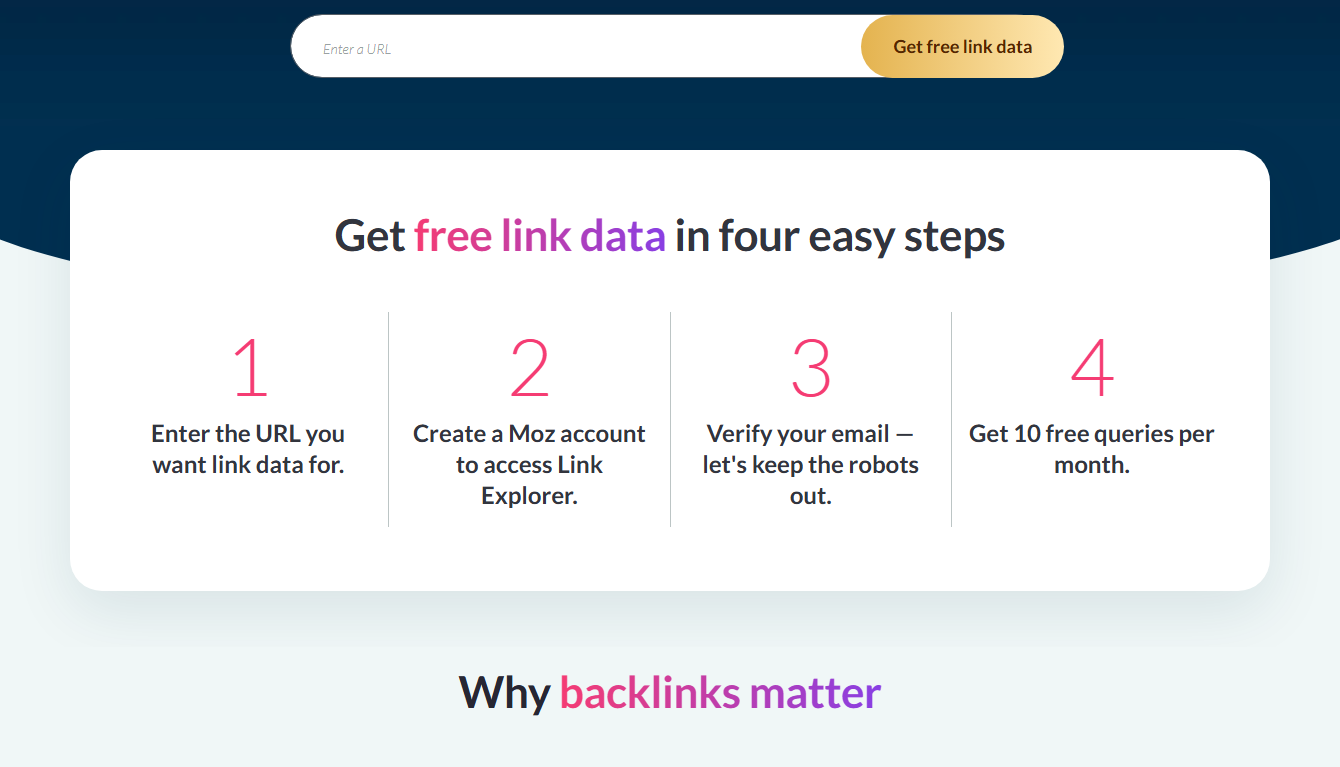
The free tools have limits. Keyword Explorer gives only a few searches a day. Link Explorer shows partial data. There's no rank tracking or full site crawl for free.
So free is great for quick checks. For real, ongoing SEO work, you'll want Moz Pro. The good news: you can test all of it free for 30 days.
For the full free-tool list, see my free Moz tools roundup. For one tool in depth, my Moz free tool guide.
How far the free tools really get you 🛠️
Let me be honest about what you can actually do with Moz's free tools. It's more than you'd think.
You can check any site's Domain Authority. That's a quick strength score. Handy for sizing up rivals before you compete.
You can install MozBar and see SEO stats as you browse. Page authority. Link counts. All on the page, in real time.
You can run a few keyword searches a day. Enough to test an idea or two. See volume and difficulty.
You can peek at backlinks with Link Explorer. The free view is partial, but it sparks ideas.
So for casual, occasional SEO, the free tools cover a lot. A blogger checking a competitor now and then might never need to pay. That's a real, useful free tier.
Where free stops and paid begins 🚧
But the free tools have walls. Knowing where they are helps you decide if you need Pro.
The keyword tool caps at a few searches a day. Do serious research and you hit the limit fast.
There's no rank tracking on the free side. You can't watch your positions move over time. That's Pro-only.
There's no full site crawl for free. So you can't scan your whole site for errors in one go.
And the link and keyword data is partial. You see a slice, not the full picture.
So the moment you do real, daily SEO, the free tools pinch. That's when the 30-day Pro trial is worth a look. It removes every wall, free, for a month. See my Moz Pro for free guide.
Free Moz vs other free SEO tools 🔍
How do Moz's free tools compare to other free options? Let me give the honest view.
Google offers free tools too, like Search Console. They're great and worth using alongside Moz.
Other tools have free tiers, but they're often more limited. Moz's free set is one of the more useful, thanks to Domain Authority and MozBar.
YouTube and blogs offer free SEO learning. But they don't give you data on your own site. Moz's free tools do.
So Moz's free side holds up well. Pair it with Google's free tools and you have a solid, no-cost starter kit. Add the Pro trial when you want the full power. See my free Moz tools roundup.
Free Moz tools for different users 👥
Who benefits most from the free Moz tools? Let me break it down by user type.
Bloggers can check keyword ideas and competitor strength for free. Enough to plan a few posts a week.
Small business owners can run their domain through Domain Analysis. See their score. Spot quick issues.
Students learning SEO get a free playground. They can practice with real data, no payment needed.
Casual site owners who only check things now and then may never need to pay at all. The free tools cover them.
So the free side serves a lot of people well. Only those doing heavy, daily SEO truly need the paid plan. For everyone else, free plus the occasional trial is plenty.
A quick test: do you need to pay? ✅
Not sure if free is enough for you? Run this quick test.
Ask yourself four things. Do I do SEO weekly? Do I need to track rankings? Do I research lots of keywords? Do I need full site audits?
If you answered "no" to most, the free tools likely suit you. Stick with free, save your money.
If you answered "yes" to most, you'll outgrow free fast. The paid plan, or at least the 30-day trial, is worth it.
Either way, start free. Test the limits. When they pinch, try the trial. That path costs nothing until you're sure you need more. See my Moz free trial guide.
The bottom line on "free" 💬
Let me sum up the free question in plain words, so you leave with a clear answer.
Moz is free to start. Genuinely. The free tools give you real, useful SEO data at zero cost. And the 30-day trial hands you the full Pro toolset, free, for a month.
But the complete toolset, long-term, is paid. That's normal. Every serious SEO tool works this way. Free gets you started and helps with quick checks. Paid powers your daily, deep work.
So if someone tells you Moz is "totally free," they're half right. The honest version: free to start, paid to scale. And for most beginners, the free side plus the trial is plenty to begin. Try it free, learn the basics, and pay only when you truly outgrow it. See my Moz free trial guide.
Frequently asked questions
Is Moz free forever?
The free tools are. But the full Moz Pro toolset is paid. There's a 30-day free trial so you can test Pro at no cost first.
What free tools does Moz offer?
MozBar, Link Explorer, Domain Analysis, a limited Keyword Explorer, and MozCast. They're useful for quick checks.
Can I use Moz Pro for free?
Yes, for 30 days via the free trial. After that, it's paid. See my how to get Moz Pro free guide.
Do the free tools need an account?
Some work without one. Others ask for a free sign-up. None require payment.
Should you stay free or go Pro? 🤔
Big question. Let me help you decide with a simple test.
Ask yourself: how often do I do SEO? If it's once in a while, the free tools may be plenty. Quick checks, the odd keyword, a rival peek.
But if you do SEO weekly or daily, you'll outgrow free fast. The caps will frustrate you. That's the sign to go Pro.
Here's the smart move either way. Start with the free tools. When they pinch, start the 30-day Pro trial. Test the full power, free, for a month. Then decide.
That way you never pay before you need to. And you never stay stuck on limited tools when you're ready to grow. Free first, Pro when you outgrow it. See my Moz free trial guide.
My honest take on "free" 💬
Let me wrap up the free question with a straight answer.
Yes, Moz has a real free side. The tools are genuinely useful for quick work. And the 30-day trial gives you the full tool, free, for a month.
But "free forever" with the full power? No. Serious, ongoing SEO needs the paid plan. That's true of every good SEO tool, not just Moz.
So don't expect the complete toolset for nothing. Do expect a solid free starter kit plus a generous free trial. For most beginners, that's more than enough to get going at zero cost.
Use the free side. Test Pro free for 30 days. Then pay only if it earns its keep. That's the honest, low-risk path. See my Moz review.
Final thoughts
So, is Moz free? The tools are partly free, and you get a full 30-day Pro trial. But the complete toolset, long-term, is paid.
Use the free tools for quick checks. Test Pro free for a month. Then decide if the full version is worth it for you.
🚀 Try the full Moz toolset free for 30 days

- Does Antivirus Still Matter? What Testing Shows - September 15, 2026
- Tube Magic vs ChatGPT: Are You Paying for a Wrapper? - September 15, 2026
- Ransomware and Small Business: The Real Numbers - September 12, 2026