
Plays in the language you are reading. Tap any paragraph to start from there.
I wanted to fix my site's SEO. But I didn't want to pay before I knew a tool worked. So I started with the Moz Pro free trial.
This post is what I learned. No fluff. Just the real stuff.
How long the trial lasts. What unlocks. And how to cancel before you pay a cent.
▶️ Watch on YouTube: Moz Free Trial 2026 Full Walkthrough (Get the $179 Plan for $0)
I tested it on my own site. So this comes from real use, not a sales page.
🚀 Try Moz Pro free for 30 days — the full toolset, no risk
What is the Moz Pro free trial? 🔍
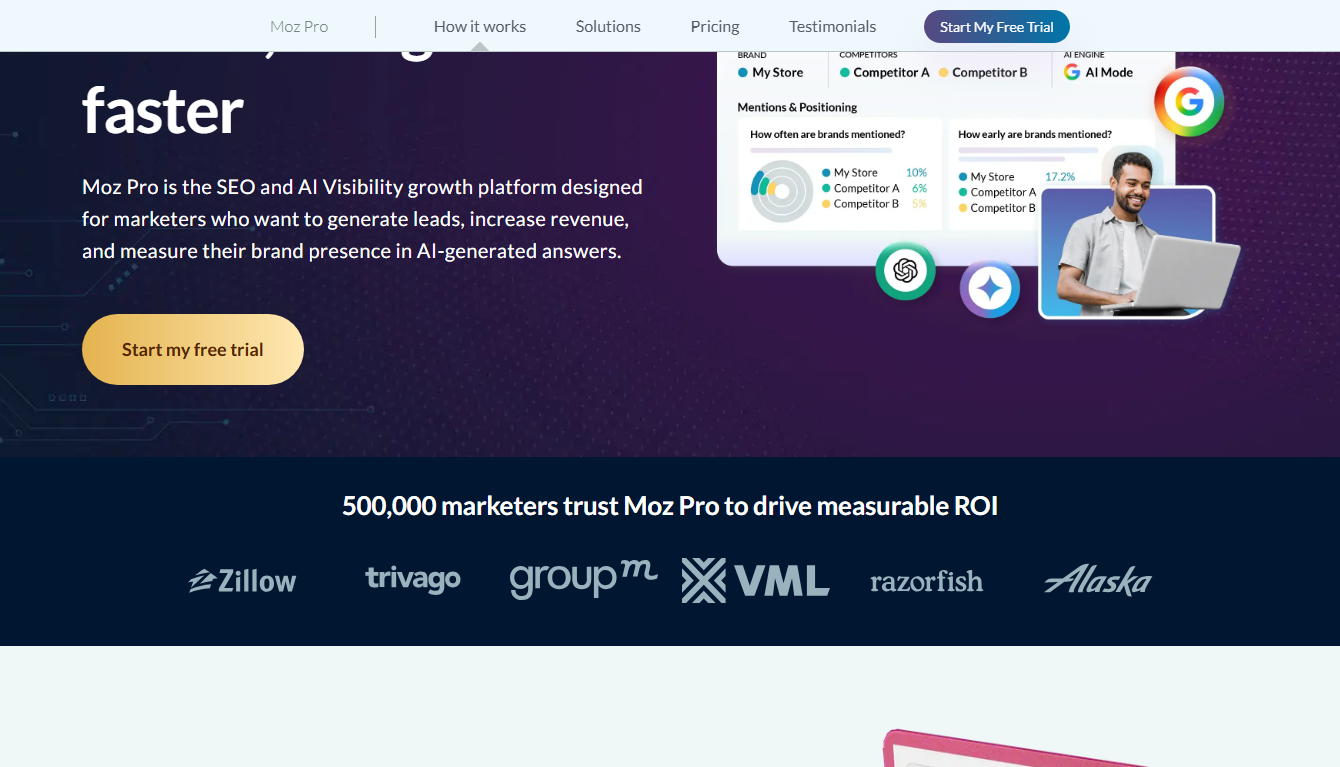
Moz Pro is an SEO toolset. It helps you find keywords. Track rankings. Check backlinks. And fix site problems.
The free trial lets you test the full thing. You get the paid features for a set window. You pay nothing up front. If you like it, you keep going. If not, you cancel.
The best part? Moz offers a generous 30-day free trial. That's longer than most SEO tools. A whole month to test it for real.
How long is the trial?
It's usually 30 days. That's a big deal. Most rivals give you 7 or 14 days. Moz gives you a full month to dig in.
Always check the sign-up screen, though. Trial length and price can shift by region and offer. Read that one line before you start.
Do you need a credit card?
Usually yes. Moz asks for a payment method to start the trial. But you're not charged during those 30 days. You only pay if you don't cancel. I'll show you how to cancel below.
How the Moz free trial works ⚙️
The flow is simple. Here's the whole thing in four steps.
You sign up.
What's inside the trial 📈
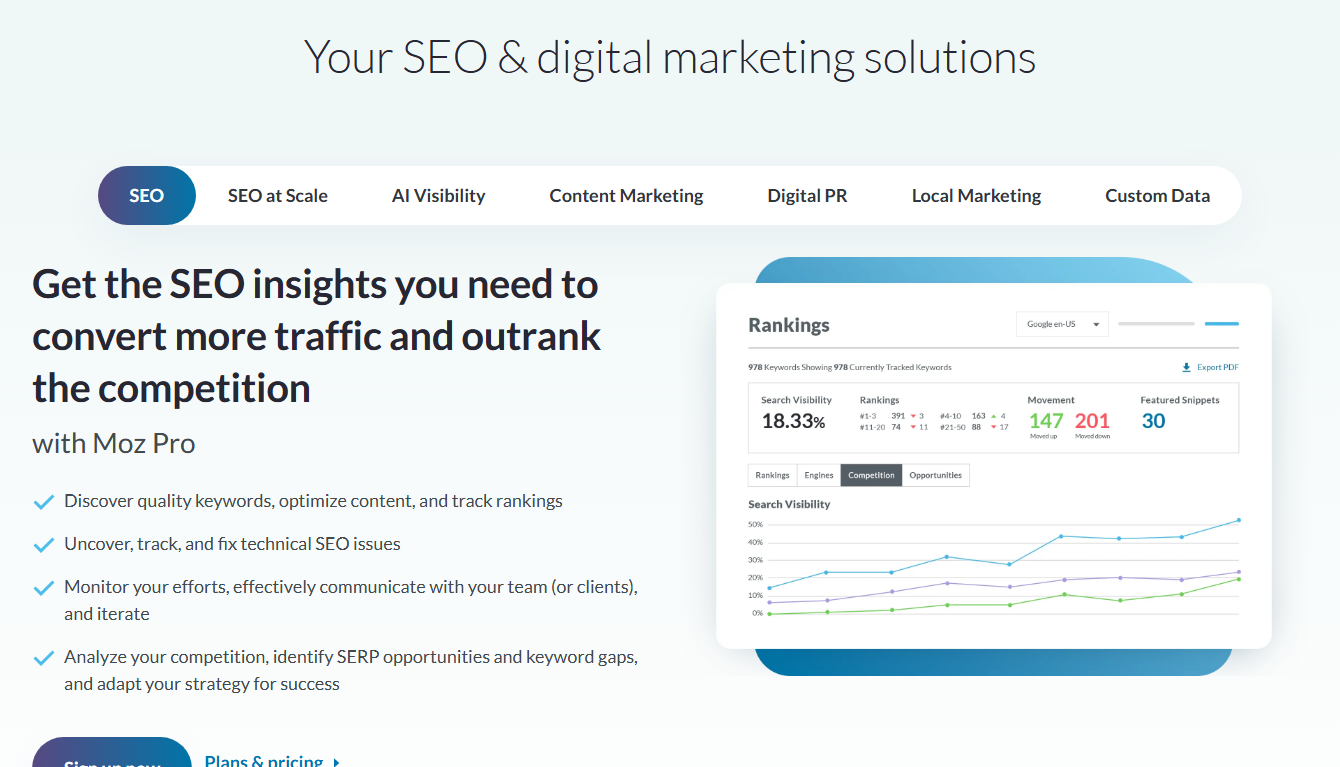
During the trial, you get the full Moz Pro toolset. Here's what I used most.
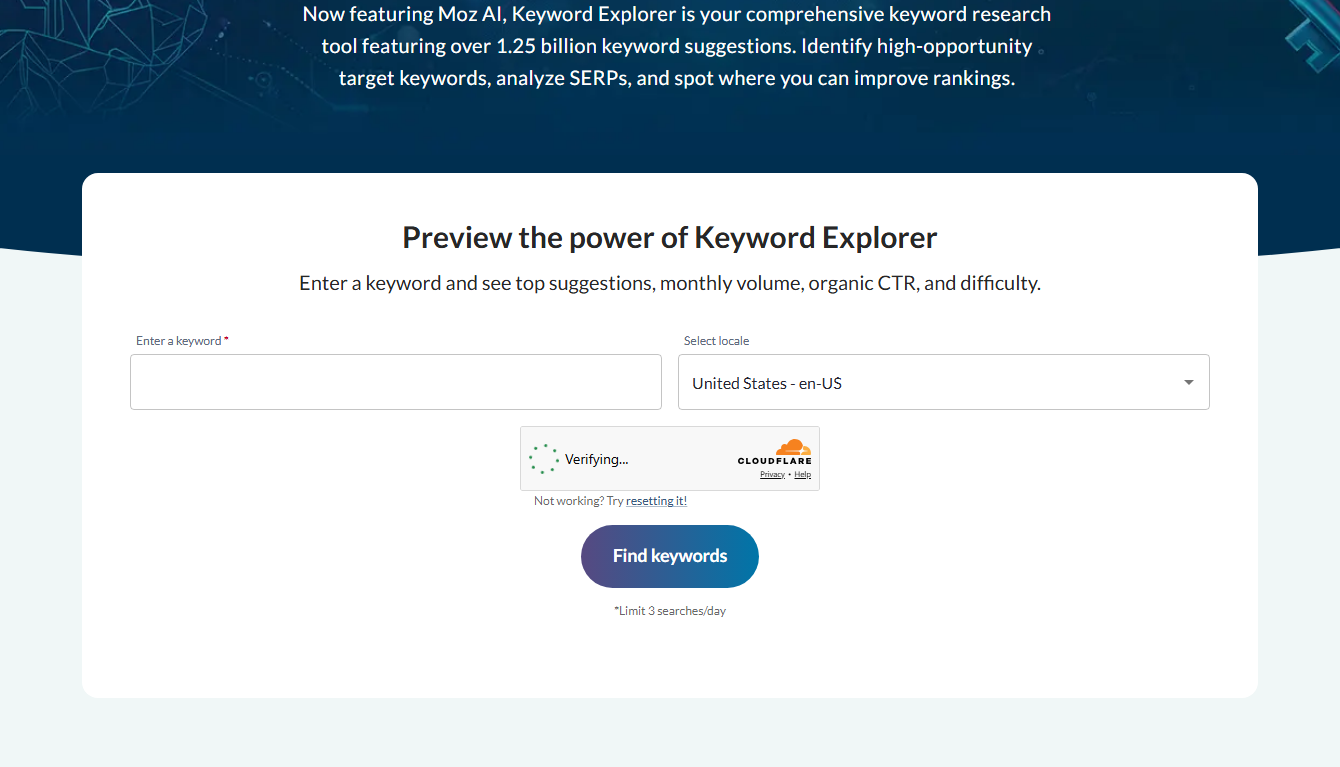
- Keyword Explorer — find keywords. It has over 1.25 billion suggestions. Wild.
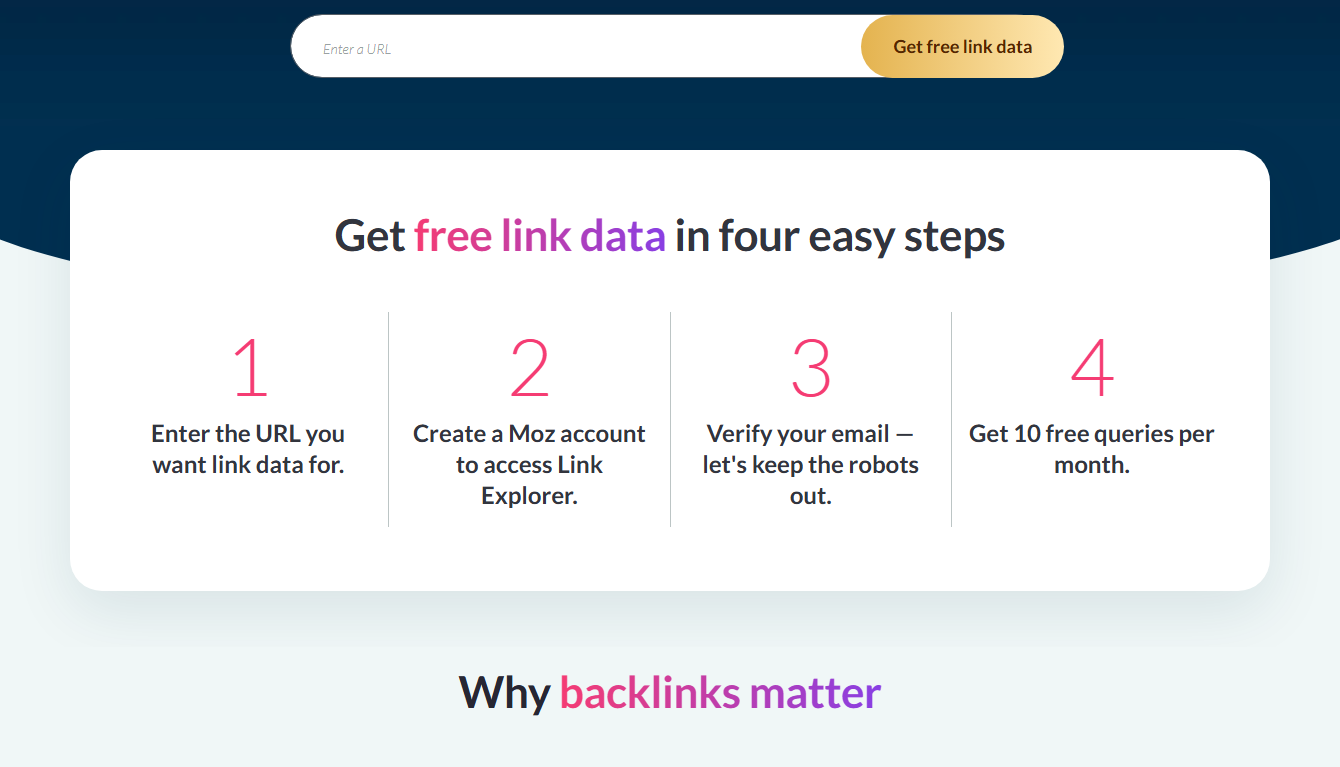
- Link Explorer — check who links to you and rivals.
- Rank Tracking — watch your Google positions over time.
- Site Crawl — find broken pages and SEO errors.
- Domain Authority (DA) — Moz's famous score for site strength.
That last one, DA, is a big deal. Lots of SEOs use it as a quick health check. It started with Moz.
Free trial vs paid: what unlocks
The trial gives you a real Pro plan. After it ends, you either pay or drop to free tools only.
| Feature | Free tools | Trial + Pro |
|---|---|---|
| Domain Authority check | ✅ Limited | ✅ Full |
| Keyword Explorer | ✅ 3/day | ✅ Unlimited* |
| Rank tracking | ❌ | ✅ Yes |
| Site crawl | ❌ | ✅ Yes |
| Link research | ✅ Limited | ✅ Full |
*Within your plan's monthly quota.
So the trial shows you the real, full app. You judge the best version, not a stripped one.
💡 30 days is plenty to test Moz on your real site
My experience in the first week
I'm not an SEO pro. I run a small site. So I came in as a beginner.
Day one, I added my site and ran a crawl. It found broken links I never knew about. That alone felt useful.
By day three, I used Keyword Explorer to find easy keywords. The "difficulty" score helped me skip the ones I'd never rank for. Smart.
By the end of week one, I had a real plan. Keywords to target. Pages to fix. Links to chase. Not bad for free.
A few honest gripes. The data felt a bit smaller than some rivals. And there's a learning curve. But for a month free, I wasn't complaining.
If you want my full take, read my honest Moz review. And to see how it stacks up, check Moz vs SEMrush vs Ahrefs.
Moz Pro vs the free tools 🆚
You might wonder why bother with the trial when Moz has free tools. Good question. Here's the difference.
The free tools are handy but capped. MozBar gives basic stats. Domain Analysis gives a few checks. Keyword Explorer allows just three searches a day. Fine for quick peeks.
The trial unlocks the full Pro toolset. Unlimited use within your plan. Rank tracking.
Full site crawls. Deep keyword and link data. No daily caps.
So the free tools are for fast checks. The trial is for real, ongoing SEO work. During those 30 days, you get the complete, professional version. That's a big step up. See my free Moz tools roundup for the free side.
How to cancel before you're charged
Don't want to pay after 30 days? Cancel before the trial ends. Simple.
- Log into your Moz account.
- Go to your account or subscription settings.
- Find your Pro plan.
- Cancel before the trial's last day.
Set a phone reminder for day 28. That way you never forget. I do this with every trial.
If you do keep it, the annual plan saves money over monthly. I break that down in my Moz Pro discount guide and Moz Pro costs post.
Is the Moz free trial worth it?
Short answer: yes. Especially with 30 full days.
You risk nothing. You test the real tools on your real site. And you can walk away with a few clicks.
Worst case, you learn a lot and cancel. Best case, you find the SEO tool you'll use for years. That trade looks good to me.
Tips to get the most from your 30 days ✅
A month is a gift. Don't waste it. Here's how I'd spend it.
Week 1 — set up and fix. Add your site. Run a Site Crawl. Fix the broken links and errors it finds. Quick wins build trust in the tool.
Week 2 — find keywords. Open Keyword Explorer. Look for low-difficulty terms with real volume. Build a content list from them. Aim for ten solid ideas.
Week 3 — study rivals. Use Link Explorer on your competitors. See who links to them. That's your link-building hit list. Also check their top pages.
Week 4 — track and decide. Set up Rank Tracking. Watch your positions. Then ask one question: did this help me? If yes, keep it. If no, cancel.
Do that and you'll know exactly what Moz can do for you. No guessing.
Common mistakes to avoid ❌
Let me save you some pain. I made a few of these.
Signing up and forgetting. Set a reminder for day 28. Otherwise you might get charged by accident.
Only poking around. Don't just click buttons. Run real tasks on your real site. That's how you learn the value.
Ignoring the difficulty score. Chasing hard keywords wastes months. Start with easy wins. The score tells you which.
Skipping the crawl. The Site Crawl finds quick fixes. Run it first. Fixed errors can lift rankings fast.
Who the Moz trial is best for 👥
The 30-day trial fits some people perfectly.
If you run a blog, a small shop, or a local business, it's ideal. You get a full month to test real SEO work. If you're learning SEO, it's a hands-on classroom.
Bigger agencies and power users may want more data. But even then, the trial costs nothing to try. So there's no harm in starting. For my full take, see my Moz review.
Frequently asked questions
How long is the Moz free trial?
It's usually 30 days. That's longer than most SEO tools. Check the sign-up screen for the exact length, since it can vary by region and offer.
Does the Moz trial need a credit card?
Usually yes. You give a payment method to start. But you're not charged during the 30 days. You only pay if you don't cancel before it ends.
Will I be charged automatically?
Only when the trial ends, and only if you haven't canceled. Cancel before the last day and you pay nothing.
Can I use Moz free without a trial?
Yes. Moz has free tools like Link Explorer, Domain Analysis, and MozBar. See my free Moz tools roundup. They're limited but handy.
What happens to my data if I cancel?
Your account stays. You just lose Pro features. The free tools still work. Your settings wait if you come back.
Is the Moz free trial available worldwide?
In most regions, yes. The trial length and price can vary by country, though. Always check the sign-up screen for the exact terms where you live before you start.
🎥 Related video: Moz Local Free Trial The Honest Answer (+ the $20 Trick to Test It)
▶️ Watch on YouTube: Moz Local Free Trial The Honest Answer (+ the $20 Trick to Test It)
Final thoughts
The Moz free trial is one of the best deals in SEO. A full 30 days. The whole toolset. Zero cost up front.
I went in unsure. I came out with a real SEO plan. That month taught me more than any blog post could.
If you've been curious about Moz, this is the way to test it. No risk. Just results.
🚀 Start your free 30-day Moz Pro trial today

- Does Antivirus Still Matter? What Testing Shows - September 15, 2026
- Tube Magic vs ChatGPT: Are You Paying for a Wrapper? - September 15, 2026
- Ransomware and Small Business: The Real Numbers - September 12, 2026