
Plays in the language you are reading. Tap any paragraph to start from there.
"La ilo Moz" kutime signifas la SEO-programaron de Moz. Sed Moz estas vere aro da iloj, ne unu. Permesu al mi klarigi ĝin simple. 📈
Ĉiu Moz-ilo faras malsaman SEO-taskon. Kune, ili helpas vian retejon rangiĝi en Google. Jen por kio ĉiu el ili estas, simple dirite.
▶️ Spektu ĉe Jutubo: Moz SEO-Iloj por Komencantoj: Unuaj Rangotabeloj en 30 Tagoj (Plena Vojmapo)
Neniu ĵargono. Nur klaraj respondoj.
🚀 Provu la tutan Moz-ilaron senpage dum 30 tagoj
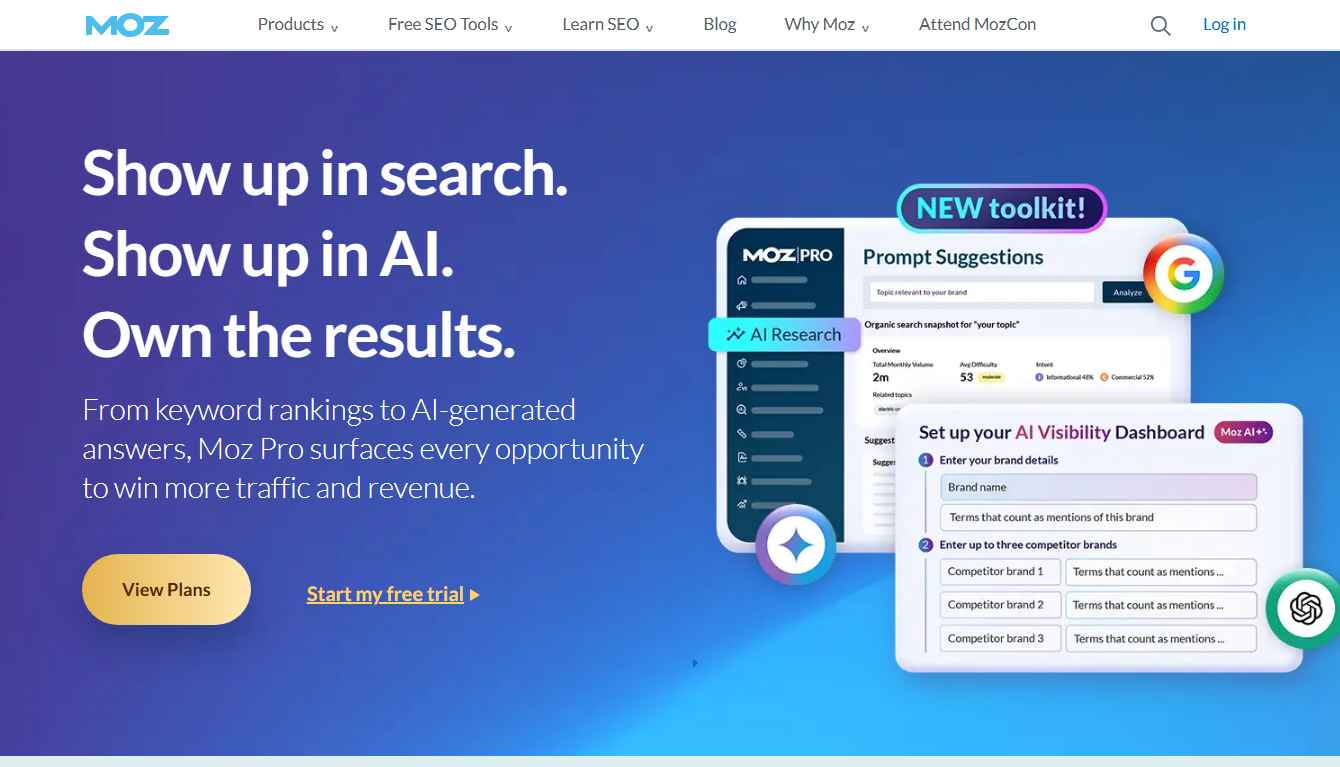
La ilaro de Moz, simple 🧰
Moz ne estas unu ilo. Ĝi estas pluraj, ĉiu kun tasko. Jen la ilaro.
| Ilo | Ĝia tasko |
|---|---|
| Ŝlosilvorta Esplorilo | Trovu ŝlosilvortojn por celi 🔍 |
| Ligilo-Esplorilo | Kontrolu retroligilojn 🔗 |
| Rango-Spurilo | Atentu la poziciojn de Google 📈 |
| Reteja Rampado | Trovu retejajn erarojn 🛠️ |
| MozBar | Rapidaj kontroloj dum foliumado ⚡ |
| Domajna Analizo | Kontrolu la forton de la retejo (DA) 💪 |
Kelkaj estas senpagaj. Kelkaj estas parto de la pagita Moz Pro. Kune, ili kovras la ĉefajn SEO-taskojn.
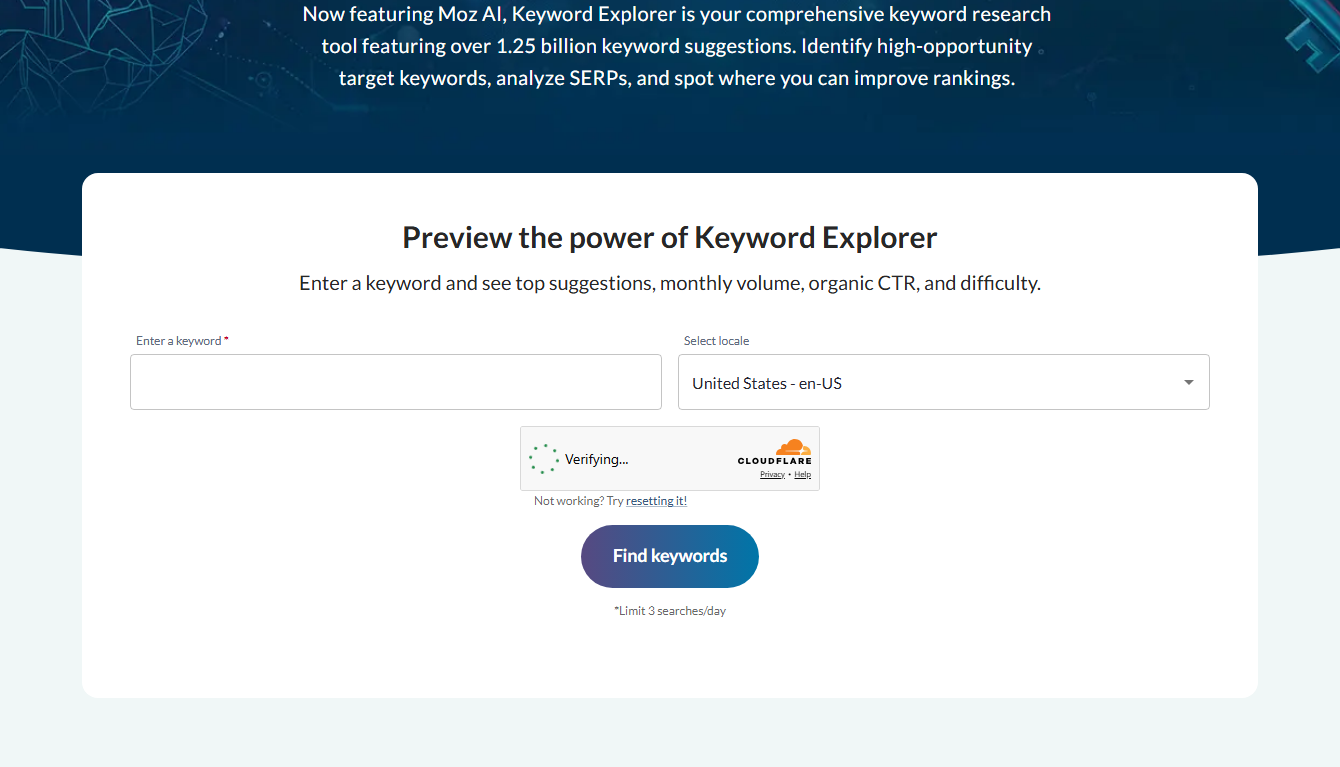
Kiam uzi ĉiun ilon ⚙️
Komencante novan afiŝon? Uzu Ŝlosilvortan Esplorilon. Trovu facilan, utilan ŝlosilvorton.
Ĉu kontroli rivalon? Uzu MozBar aŭ Domajnan Analizon. Vidu ilian forton rapide.
Ĉu vi volas pli da retroligiloj? Uzu Ligil-Esplorilon. Trovu kiu ligas al konkurantoj.
Ĉu la retejo ŝajnas rompita? Uzu Retejan Rampadon. Ĝi listigas erarojn por ripari.
Spuri progreson? Uzu Rango-Spurilon. Observu viajn poziciojn moviĝi.
💡 Provu ĉiun ilon en via retejo, senpage dum 30 tagoj
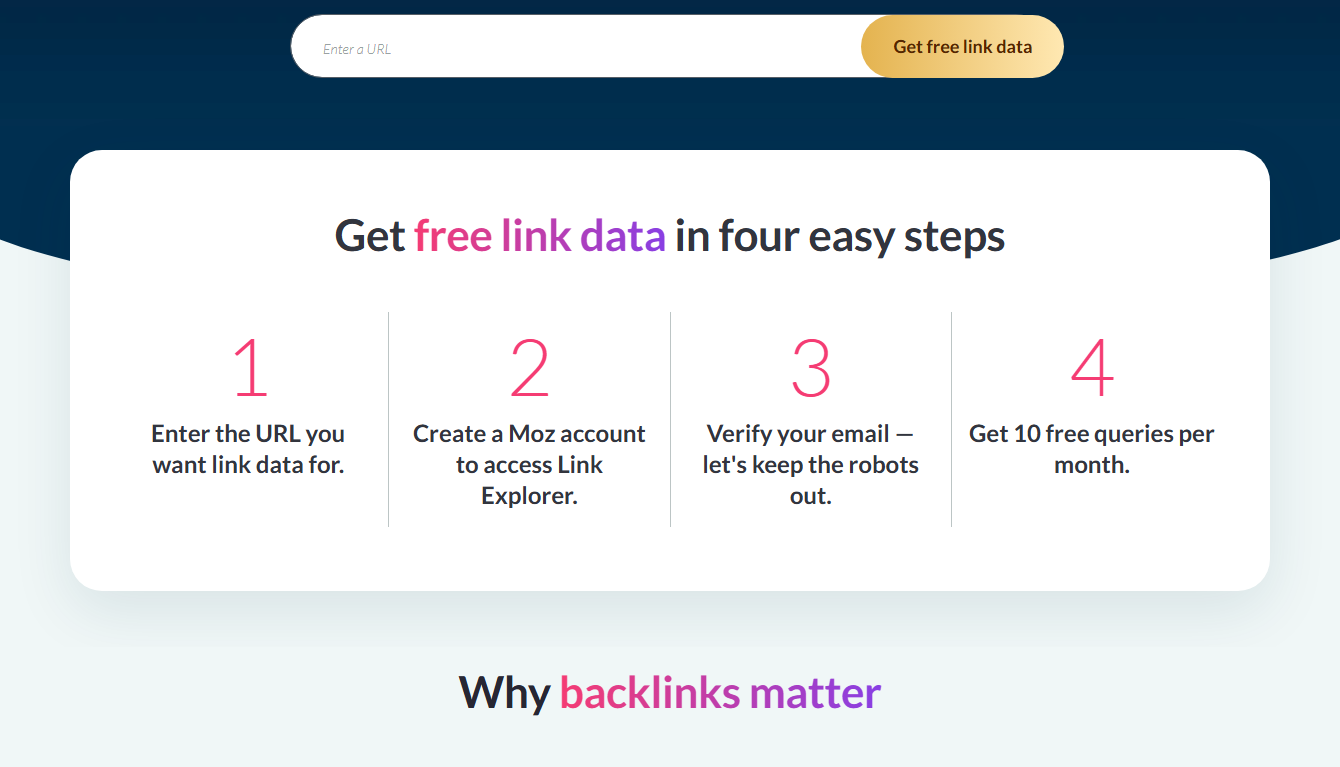
Senpagaj kontraŭ pagitaj Moz-iloj
Kelkaj Moz-iloj estas senpagaj, kiel MozBar kaj Domain Analysis. Ili estas limigitaj sed utilaj. Vidu mian resumo de senpagaj Moz-iloj.
La plena ilaro, sen limoj kaj rango-spurado, estas Moz Pro. Lernu pli en mia kio estas gvidilo Moz Pro.
La rakonto malantaŭ la Moz-iloj 📜
Moz ekzistas delonge en SEO-jaroj. Scii ĝian historion helpas vin fidi la ilojn.
Moz komenciĝis kiel SEOmoz, blogo kaj komunumo por SEO-lernantoj. Ĝi kreskis al unu el la plej fidindaj nomoj en la kampo. La nomo mallongiĝis al Moz dum ĝi kreskis preter nur SEO.
Dumvoje, Moz kreis Domajnan Aŭtoritaton. Tiu poentaro fariĝis industria normo. Milionoj da SEO-fakuloj uzas ĝin por taksi la forton de retejoj. Tio estas granda heredaĵo.
Do kiam vi uzas Moz-ilon, vi uzas ion kreitan de homoj, kiuj helpis formi SEO-on mem. Tiu historio montras kiom klaraj kaj komencant-amikaj la iloj estas. Ili estis kreitaj por instrui, ne nur por vendi.
Kiel la Moz-iloj funkcias kune 🔗
La iloj de Moz ne estas apartaj insuloj. Ili konektiĝas en unu laborfluon. Permesu al mi montri kiel.
Vi komencas per Ŝlosilvorta Esplorilo. Trovu ŝlosilvorton, kiun indas celi. Tio estas via celo.
Vi kontrolas la konkurencon per MozBar kaj Domain Analysis. Vidu kiom malfacile estos rangiĝi.
Vi skribas vian enhavon, poste uzas Retejan Rampadon por certigi, ke via paĝo estas pura kaj sen eraroj.
Vi konstruas ligilojn per Link Explorer por trovi ŝancojn. Kaj vi observas vian progreson per Rank Tracker.
Ĉiu ilo nutras la sekvan. Kune, ili formas kompletan SEO-ciklon. Tio estas la vera potenco de la Moz-ilaro: ne unu ilo, sed ĉiuj funkcias kiel teamo. Vidu mian kio estas gvidilo Moz Pro.
La Moz-iloj por ĉiu SEO-celo 🎯
Permesu al mi kunigi ĉiun Moz-ilon kun komuna SEO-celo, por ke vi sciu, kiun elekti.
Celo: akiri pli da trafiko. Uzu Ŝlosilvortan Esplorilon. Trovu temojn, kiujn homoj serĉas kaj por kiuj vi povas rangiĝi.
Celo: ripari glitlokon. Uzu retejan rampon. Trovu kaj riparu la erarojn, kiuj vin trenas malsupren.
Celo: venki konkuranton. Uzu MozBar kaj Domain Analysis. Pligrandigu la grandecon de ili. Poste planu plibonigi.
Celo: konstrui aŭtoritaton. Uzu Ligil-Esplorilon. Trovu kvalitajn retejojn por gajni ligilojn.
Celo: pruvi progreson. Uzu Rango-Spurilon. Observu viajn poziciojn grimpi laŭlonge de la tempo.
Do, kia ajn estas via SEO-celo, ekzistas Moz-ilo por ĝi. Tio estas la beleco de ilaro. Vi ne estas ligita al unu funkcio. Vi havas la ĝustan ilon por ĉiu tasko.
Ĉu la Moz-iloj estas taŭgaj por komencantoj? 🌱
Granda zorgo por novuloj: ĉu ĉi tiuj iloj estas tro kompleksaj? Bonaj novaĵoj. Moz estas unu el la pli afablaj elektoj.
La instrumentpanelo estas klara. Ĉiu ilo plenumas unu klaran taskon. Domajna Aŭtoritato donas al vi simplan kompreneblan poentaron. Ne estas muro de konfuzaj datumoj.
Moz ankaŭ instruas dum vi progresas. Ĝia Akademio ofertas senpagajn lecionojn. Informiloj klarigas terminojn. La tuta sperto instigas vin al bonaj kutimoj.
Do eĉ se vi estas tute nova, vi ne sentos vin perdita longe. Multaj komencantoj elektas Moz ĝuste ĉar ĝi estas alirebla. La iloj gvidas vin, anstataŭ superforti vin.
La plej bona testo estas provi ilin mem. Testu Moz senpage dum 30 tagoj. Vi vidos kiom komencant-amikaj la iloj vere estas. Vidu mian Gvidilo pri senpaga provado de Moz.
Oftaj demandoj
Kio estas la ilo Moz?
Ĝi estas la SEO-programaro de Moz — vere aro da iloj. Ili helpas vin trovi ŝlosilvortojn, spuri rangojn, kontroli retligilojn kaj korekti retejajn erarojn.
Ĉu la ilo Moz estas senpaga?
Kelkaj iloj estas senpagaj, kiel MozBar kaj Domain Analysis. La plena ilaro estas Moz Pro, kiu estas pagata sed havas 30-tagan senpagan provon.
Per kiu Moz-ilo mi devus komenci?
Ŝlosilvorta Esplorilo por trovi temojn, kaj MozBar por rapidaj kontroloj. Ambaŭ estas facilaj por komencantoj.
Kio estas MozBar?
Senpaga aldonaĵo por retumiloj, kiu montras SEO-statistikojn sur iu ajn paĝo dum vi foliumas. Bonega por rapidaj kontroloj de konkurantoj.
Ĉu la ilo Moz taŭgas por vi? 🤔
Kun tiom da SEO-iloj haveblaj, ĉu Moz estas la ĝusta por vi? Lasu min helpi vin decidi.
Moz estas plej bona se vi taksas facilecon. La iloj estas puraj kaj komencant-amikaj. Vi ne sentos vin perdita. Tio estas grava afero kiam vi estas novulo.
Ĝi ankaŭ estas bonega se vi ŝatas la Domajnan Aŭtoritatan poentaron. Ĝi estas rapida, simpla maniero por juĝi ajnan retejon. Multaj SEO-fakuloj kontrolas ĝin ĉiutage.
Kaj ĝi estas solida elekto se vi volas ĉio-en-unu ilon. Ŝlosilvortoj, ligiloj, revizioj kaj spurado, ĉio en unu loko. Neniu ĵonglado per kvin aplikaĵoj.
Se vi bezonas la plej profundajn datumojn, vi eble unue komparu ilin kun konkurantoj. Sed por plej multaj homoj, precipe komencantoj, la ilaro de Moz trafas la idealan punkton. La plej bona testo? Provu ĝin senpage dum 30 tagoj en via propra retejo. Vidu mian Gvidilo pri senpaga provado de Moz.
Senpagaj kontraŭ pagitaj Moz-iloj, simple 🆓
Permesu al mi klarigi, kiuj Moz-iloj kostas monon kaj kiuj ne, ĉar tio konfuzas komencantojn.
Kelkaj iloj estas senpagaj por ĉiam. MozBar montras statistikojn dum vi foliumas. Domajna Analizo kontrolas la forton de la retejo. Ŝlosilvorta Esplorilo donas kelkajn senpagajn serĉojn ĉiutage. Ĉi tiuj kostas nenion.
La plena ilaro estas Moz Pro, kiu estas pagata. Ĝi forigas la limojn kaj aldonas rango-spuradon kaj plenajn retejajn rastrumojn. Sed ĝi havas 30-tagan senpagan provon.
Do vi povas komenci per la senpagaj iloj kaj pagi nenion. Kiam vi bezonos pli, provu Pro senpage dum monato. Poste decidu. Tiel vi pagos nur kiam la senpagaj iloj ne sufiĉas. Vidu mian resumo de senpagaj Moz-iloj.
Rapida glosaro de Moz-terminoj 📖
Ĉu vi estas nova ĉe Moz? Kelkaj terminoj aperas ofte. Permesu al mi klarigi ilin simple.
Domajna Aŭtoritato (DA). Poentaro de 1 ĝis 100 pri la forto de tuta retejo. Ju pli alta signifas pli da rangopovo. Moz inventis ĝin.
Paĝa Aŭtoritato (PA). Kiel DA, sed por ununura paĝo anstataŭ tuta retejo.
Malfacileco de ŝlosilvortoj. Poentaro montranta kiom malfacile estas rangiĝi por ŝlosilvorto. Pli malalta estas pli facila.
Reenligo. Ligilo de alia retejo al via. Ili plifortigas vian aŭtoritaton.
Reteja Rampado. Skanado de via tuta retejo por trovi SEO-erarojn.
Sciante ĉi tiujn, Moz estas multe pli facile uzebla. Ili estas la baza lingvo de la ilo. Post kiam ili alklakas, ĉio alia havas pli da senco.
Ĉu vi devus uzi la ilon Moz? 💬
Do, ĉu la ilo Moz taŭgas por vi? Jen mia simpla opinio.
Se vi volas facilan, ĉio-en-unu SEO-ilon, jes. Ĝi kunigas la kernajn taskojn en unu puran lokon. Bonega por komencantoj kaj malgrandaj retejoj.
Se vi ŝatas la poentaron "Domain Authority" kaj la stilon "instruado unue", Moz estas natura elekto. Ĝi helpas vin lerni dum vi laboras.
Se vi bezonas la plej profundajn datumojn en niĉo, unue komparu ilin kun konkurantoj. Sed por plej multaj homoj, Moz atingas la idealan punkton de potenco kaj facileco.
La plej inteligenta movo estas provi ĝin. Provu la plenan Moz-ilararon senpage dum 30 tagoj sur via propra retejo. Vi rapide vidos ĉu ĝi taŭgas por vi. Vidu mian Gvidilo pri senpaga provado de Moz.
Finaj pensoj
Do, kio estas la ilo de Moz? Ĝi estas aro da SEO-iloj, ĉiu kun tasko. Ŝlosilvortoj, ligiloj, spurado, rampadoj kaj rapidaj kontroloj.
Kelkaj estas senpagaj. La kompleta aro estas Moz Pro. La plej facila maniero lerni ilin estas testi ilin en via propra retejo.
🚀 Lernu la Moz-ilojn per uzado de ili — senpage dum 30 tagoj

- Open Rate Benchmarks After Privacy Changes - Oktobro 9, 2026
- Email Marketing ROI: Separating Claim From Evidence - Oktobro 6, 2026
- Free AI Tools for YouTube: The Stack That Costs Nothing - Oktobro 6, 2026