
Plays in the language you are reading. Tap any paragraph to start from there.
Kamatera’s 30-day free trial is one of the most generous in cloud hosting. You get $100 in free credit, 1 TB of cloud block storage, and 1 TB of traffic. You can build any server configuration you want — customize CPU, RAM, storage, and OS. No hidden fees. No long-term contract.
Simply sign up, claim your credit, deploy a server in 60 seconds, and test enterprise-grade cloud infrastructure for a full month. If Kamatera works for you, keep the server. If not, terminate it before day 30 and you pay nothing. This level of trial generosity shows how confident Kamatera is in their service — and rightfully so.

You have heard about the Kamatera free trial. Now you want the details. What do you actually get? Is it really free? What is the catch?
I claimed this trial myself. I used every dollar of the credit. I tested different configurations. I pushed the limits. Here is exactly what you need to know.
What You Get in the Kamatera Free Trial
| Feature | What’s Included |
|---|---|
| Trial duration | 30 full days |
| Free credit value | Up to $100 |
| Cloud servers | 1 fully configurable server |
| Storage included | 1 TB of cloud block storage |
| Traffic included | 1 TB (incoming + outgoing) |
| Full platform access | All features available |
| Support | 24/7 live technical support |
| Credit card required | Yes (for identity verification) |
| Contract | None — cancel anytime |
Is the Kamatera Free Trial Really Free?
Yes. But let me be precise about how it works.
Kamatera gives you $100 in credit. You use this credit to pay for server resources during the trial. As long as you stay within the $100 limit, you pay nothing out of pocket.
The credit card requirement is the part people worry about. Here is the truth: Kamatera uses your card for identity verification. It is standard practice in cloud hosting. Almost every major provider does the same — DigitalOcean, Linode, Vultr, AWS, Google Cloud.
If you terminate your server before the 30 days end, you will not be charged. If you forget and let the server run past the trial, you will be billed for the ongoing usage. Set a reminder on your phone for day 27 and you are safe.
Pro tip: When you sign up, immediately set a calendar reminder for day 27. Write “Review Kamatera Trial — keep or cancel?” This one habit saves you from any surprise charges.
How to Claim Your Kamatera Free Trial
- Visit Kamatera’s free trial page. Click the button to start your trial.
- Enter your email and create a password. Use a real email — you need to verify it.
- Enter your credit card details. For verification. No charge during the trial.
- Complete your profile. Name, country, phone number.
- Verify your email. Check your inbox and click the verification link.
- Log into the dashboard. Your $100 credit is already loaded.
- Create your first server. Choose your configuration, deploy in 60 seconds.
The whole process takes about 5 minutes. From zero to a running server in under 10 minutes.
Claim your $100 free credit now
Start your 30-day Kamatera free trial. $100 credit, 1 TB storage, 1 TB traffic. Build any server you want. Pay nothing for a full month.
Best Server Configurations to Test During the Trial
Your $100 credit can cover different configurations. Here are strategic ways to use it.
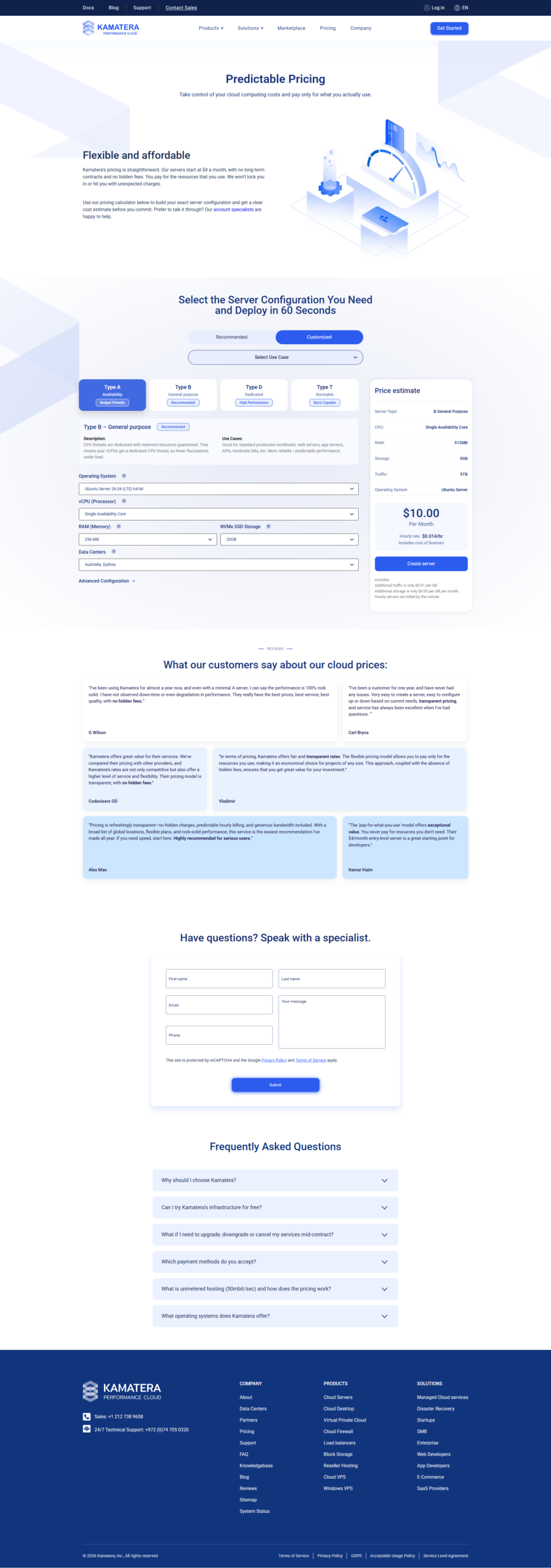
| Strategy | Server Config | Monthly Cost | Days Covered by $100 |
|---|---|---|---|
| Budget test | 1 vCPU / 1 GB / 20 GB SSD | $4 | Full 30 days + change |
| Balanced test | 2 vCPU / 2 GB / 30 GB SSD | $12 | Full 30 days |
| Performance test | 2 vCPU / 4 GB / 40 GB SSD | $19 | Full 30 days |
| Power test | 4 vCPU / 8 GB / 80 GB SSD | $50 | ~20 days |
For most people, the Balanced or Performance test is ideal. You get a real production-grade server for a full month, completely free.
What You Can Do With the Free Trial
Host a Website
Deploy a WordPress, Joomla, or custom site. Test real traffic. See how Kamatera performs under actual load.
Develop an Application
Use the trial as a development server. Install Node.js, Python, Ruby, or PHP. Build and test your app.
Test Database Performance
Set up MySQL, PostgreSQL, or MongoDB. Run benchmarks. See how the NVMe storage handles database workloads.
Learn Cloud Skills
Use the trial to learn Linux server administration, web server configuration, or cloud architecture. Zero cost to learn.
Compare Providers
Run the same workload on Kamatera and another provider’s trial. Compare performance and cost side by side.
Test Security Setup
Configure firewalls, SSL certificates, and security hardening. Test your security configuration in a safe environment.
Tips to Maximize Your Free Trial
- Choose the right configuration. Do not over-provision. A 2 vCPU / 4 GB server gives you plenty of room to test without burning through your credit too fast.
- Use hourly billing. If you only need the server for a few hours a day, hourly billing preserves your credit for the full 30 days.
- Stop unused servers. If you are not actively testing, stop the server. You are only charged for storage while the server is stopped.
- Test multiple configurations. The $100 credit is enough to try 2-3 different server setups. Test small, medium, and large to find your sweet spot.
- Use the support team. 24/7 live support is included in the trial. Ask questions. Their team is knowledgeable and helpful.
- Set your reminder. Day 27. Calendar. Do not forget.

What Happens After the Free Trial?
When the 30 days end, you have two choices.
Option 1: Keep your server. If you love Kamatera, do nothing. Your server keeps running. You are billed monthly for your configuration. You can continue with the same setup or adjust it.
Option 2: Cancel. If Kamatera is not right for you, log in before day 30, terminate your server, and you walk away with zero charges. No fees. No penalties. No hassle.
There is no step 3. No sales call. No retention team chasing you. Just a clean exit or a seamless transition to paid service.
Common Free Trial Questions
Do I need a credit card for the free trial?
What happens if I exceed the $100 credit?
Can I extend the free trial?
Does the trial include managed services?
Can I create multiple servers during the trial?
Will Kamatera auto-charge me after the trial?
My Personal Experience with the Free Trial
I signed up for the Kamatera free trial to write this guide. Here is what happened.
Signup took about 3 minutes. The credit card verification was instant. I deployed a 2 vCPU / 4 GB server with Ubuntu 24.04. It was ready in 47 seconds.
Over the next 30 days, I installed various applications. WordPress. Nginx. Node.js. MySQL.
Docker. Everything worked. The server handled development traffic easily. The NVMe storage was noticeably fast — especially compared to the shared hosting I had used before.
I contacted support twice. Once about firewall configuration. Once about storage expansion. Both times, I got a real person within 2 minutes. Both issues were resolved quickly.
By day 25, I was confident Kamatera was a solid platform. I kept the server running after the trial. My monthly bill: about $19. No surprises.
🔗
Related reading:
Final Verdict on the Kamatera Free Trial
Related reading:
The Kamatera free trial is genuine, generous, and low-risk. $100 in credit for 30 days. A full TB of storage. A TB of traffic. Full access to enterprise-grade cloud infrastructure.
There is no better way to test Kamatera than to use the free trial. You get real experience with real servers. Not a demo. Not a sandbox. Real cloud infrastructure that you control.
If you are considering Kamatera for your hosting, start with the trial. Claim your $100 credit. Build your ideal server. Test it with real traffic. Decide with real data.
Start your 30-day free trial today
Get $100 in free credit, 1 TB storage, and 1 TB traffic. Build any server you want. Test enterprise cloud hosting risk-free for a full month.

- Does Antivirus Still Matter? What Testing Shows - September 15, 2026
- Tube Magic vs ChatGPT: Are You Paying for a Wrapper? - September 15, 2026
- Ransomware and Small Business: The Real Numbers - September 12, 2026