
Plays in the language you are reading. Tap any paragraph to start from there.
Always wanted to play guitar? Same here. So I tried the Simply Guitar free trial one quiet evening.
This post is the honest rundown. How long the trial lasts. What it unlocks.
What that first week actually feels like. And how to cancel before you pay. All from real use on my own phone, with a real guitar.
If you've got a guitar gathering dust in a corner, this might be the nudge you need.
👉 Start your Simply Guitar free trial →
What is the Simply Guitar free trial?
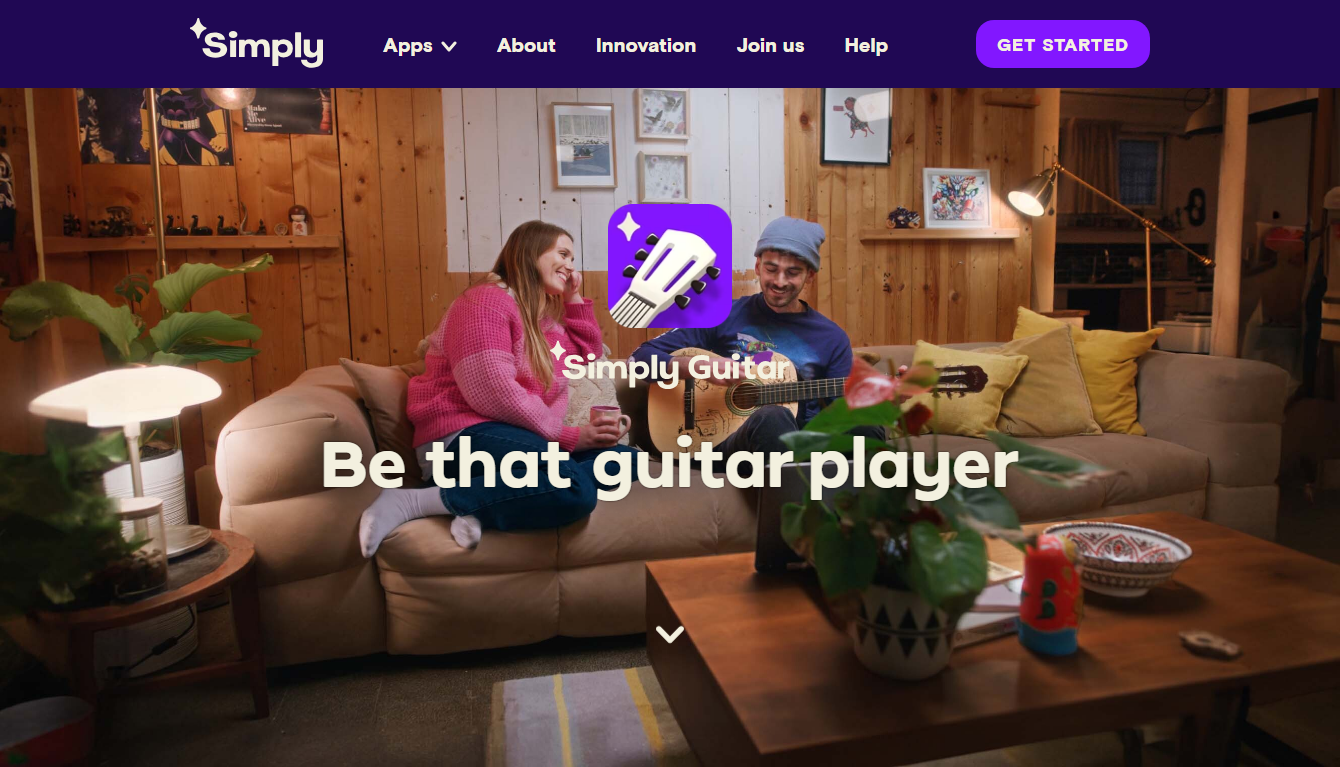
Simply Guitar is an app from the same team as Simply Piano. It teaches guitar on your phone. It listens to you play and grades your notes in real time.
The free trial gives you the full app for a short window. You pay nothing up front in most cases. Then you keep it or cancel. Simple.
Try first. Decide later. That's the whole deal, and it's a fair one.
If you're torn between guitar and piano, I compare them side by side in my Simply Piano vs Simply Guitar guide. Both are beginner-friendly.
How long is the trial?
It's usually around 7 days. The length can change with offers and by region. The app shows the exact trial length on the start screen, so check there first. Reading that one line saves you any surprise later.
Do you need a card?
Usually yes. The app asks for a payment method to begin the trial. But you're not charged during the trial. Cancel before it ends and you pay nothing. The card just sits there unused unless you continue.
How the free trial works
It's a simple flow. Four steps, start to finish.
You download the app. Start the trial. Practice during the window.
Then decide. The app hears your guitar through the mic and gives instant feedback. Green for right, red for try again.
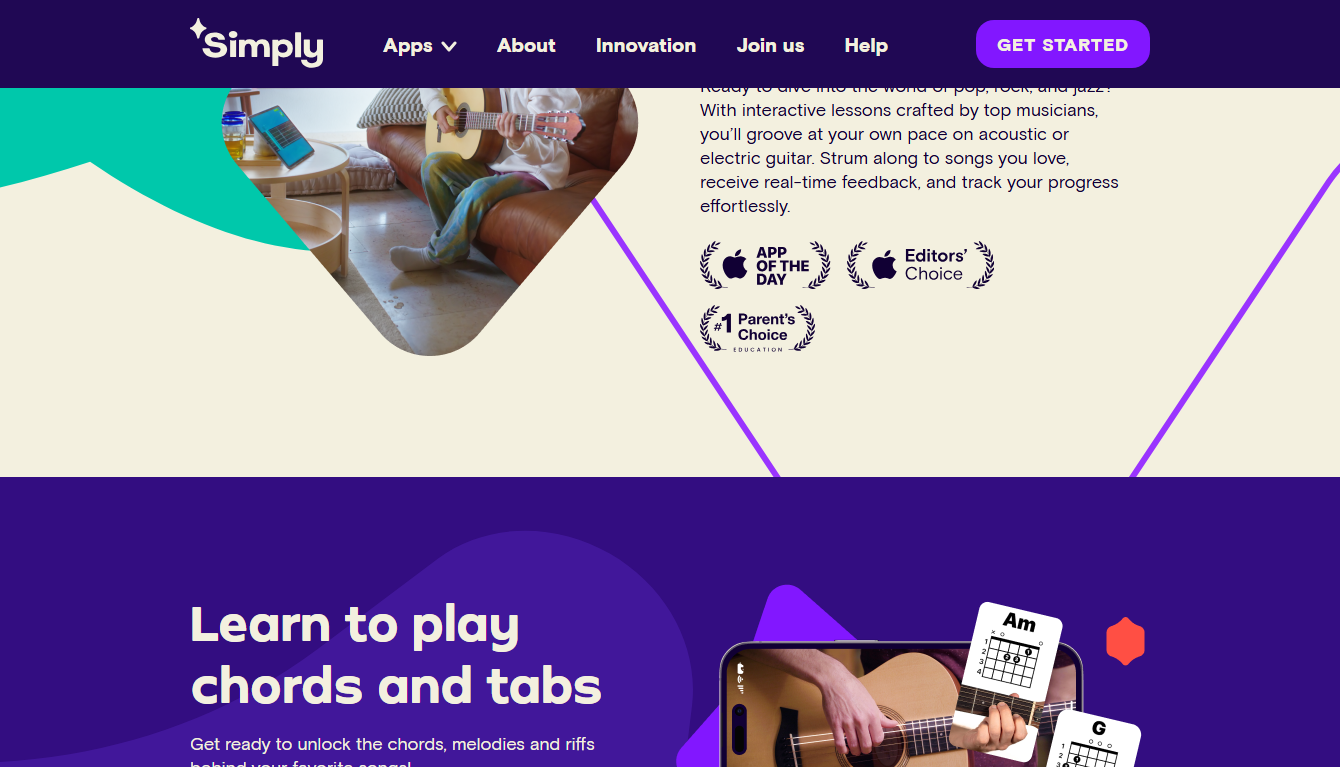
That feedback is the magic. It's like a patient teacher sitting next to you. One who never sighs when you miss a chord for the tenth time.
Free trial vs paid: what unlocks
During the trial, you get the full app. After it ends, free users drop to a smaller set.
| Feature | Free (after trial) | Premium (trial + paid) |
|---|---|---|
| First lessons | ✅ | ✅ |
| Full beginner course | ❌ | ✅ |
| Big song library | ❌ | ✅ |
| Chord training | ❌ Limited | ✅ |
| New content | ❌ | ✅ |
So the trial shows the full app. You judge the best version, not a stripped one. That's the right way to test something before you pay.
👉 Try the full Simply Guitar app free →
My first week learning guitar
Day one, my fingers hurt. That's normal. Every new guitar player feels it. The fingertips toughen up within a couple weeks. Don't let it scare you off.
By day three, I could switch between two chords. Slowly. Clumsily.
But it worked. The app cheered me on with that green-check feedback. Small wins, but they felt big.
By the end of the week, I strummed a simple song. Rough around the edges. But real. That little win made me want to keep going. It turned "I wish I could play" into "I'm learning to play."
A note: you need an actual guitar. Acoustic or electric is fine. The app listens, so a real instrument matters. The on-screen stuff won't cut it for real learning.
Tips to get the most from your trial
Want the free week to really count? Do these.
Push past the sore fingers. The first few days hurt. It passes. Keep going.
Practice daily. Even ten minutes. Chord changes need repeats to stick.
Tune your guitar. An out-of-tune guitar confuses the app and your ears. Tune up first.
Find a quiet spot. The mic listens. Less background noise means cleaner feedback.
Set a cancel reminder. More on that next.
A focused week is enough to know if guitar is for you. Treat it seriously and you'll be surprised how far you get.
How to cancel before being charged
Don't want to pay? Cancel before the trial ends. You keep access until it runs out, so canceling early costs you nothing.
iPhone/iPad: Settings → your name → Subscriptions → Simply Guitar → Cancel.
Android: Play Store → profile → Payments & subscriptions → Subscriptions → Simply Guitar → Cancel.
Set a reminder for day six so you don't forget. Easy. If you do keep it, the annual plan is far cheaper than monthly — I cover guitar savings in my Simply Guitar coupon code guide.
Is the trial worth starting?
Yes, if you've ever wanted to play guitar. The trial costs nothing but time. You get the full app. You learn real chords and a song in a week. And cancel takes one tap.
Worst case, you try it and walk away. Best case, you finally start playing. For a deeper look at the app itself, see my full Simply Guitar review.
Frequently asked questions
Does the Simply Guitar free trial need a credit card?
Usually yes. The app asks for a payment method to begin. You aren't charged during the trial. You only pay if you don't cancel before it ends.
How long is the Simply Guitar free trial?
Commonly around 7 days. It can vary by offer and region. The app shows the exact length on the start screen, so check there first.
Is Simply Guitar good for total beginners?
Yes. It's built for people who've never held a guitar. It starts with the basics and gives feedback as you play.
Do I need my own guitar?
Yes. You need a real acoustic or electric guitar. The app listens to your playing through the mic, so a real instrument is required.
Will my fingers always hurt?
No. Sore fingertips are normal at first. They toughen up within a couple of weeks of regular practice. It's a rite of passage, not a dealbreaker.
Final thoughts
The Simply Guitar free trial is a low-risk way to test if guitar is for you. Full app. Zero cost up front. Cancel in one tap.
I went from sore fingers to strumming a song in a week. If you've wanted to play, give the trial a shot. The hardest part is just starting.
👉 Start your Simply Guitar free trial now →

- Does Antivirus Still Matter? What Testing Shows - September 15, 2026
- Tube Magic vs ChatGPT: Are You Paying for a Wrapper? - September 15, 2026
- Ransomware and Small Business: The Real Numbers - September 12, 2026