
يلعب باللغة التي تقرأها. اضغط على أي فقرة للبدء من هناك.
يقدم Moz (والذي قد تعرفه باسم SEOmoz) بعض الأدوات المجانية المفيدة حقًا. لا يوجد دفع. لا حاجة للمحاكمة لهذه.
هذه هي الجولة الكاملة. كل أداة مجانية من Moz تستحق وقتك، وما تفعله، وأين تتوقف. 📈
◀️ شاهد على اليوتيوب: أدوات Moz SEO للمبتدئين: التصنيف الأول في 30 يومًا (خريطة الطريق الكاملة)
احفظ هذه القائمة. إنها مجموعة أدوات SEO مجانية للمبتدئين.
🚀 هل تريد البيانات الكاملة؟ جرب Moz Pro مجانًا لمدة 30 يومًا
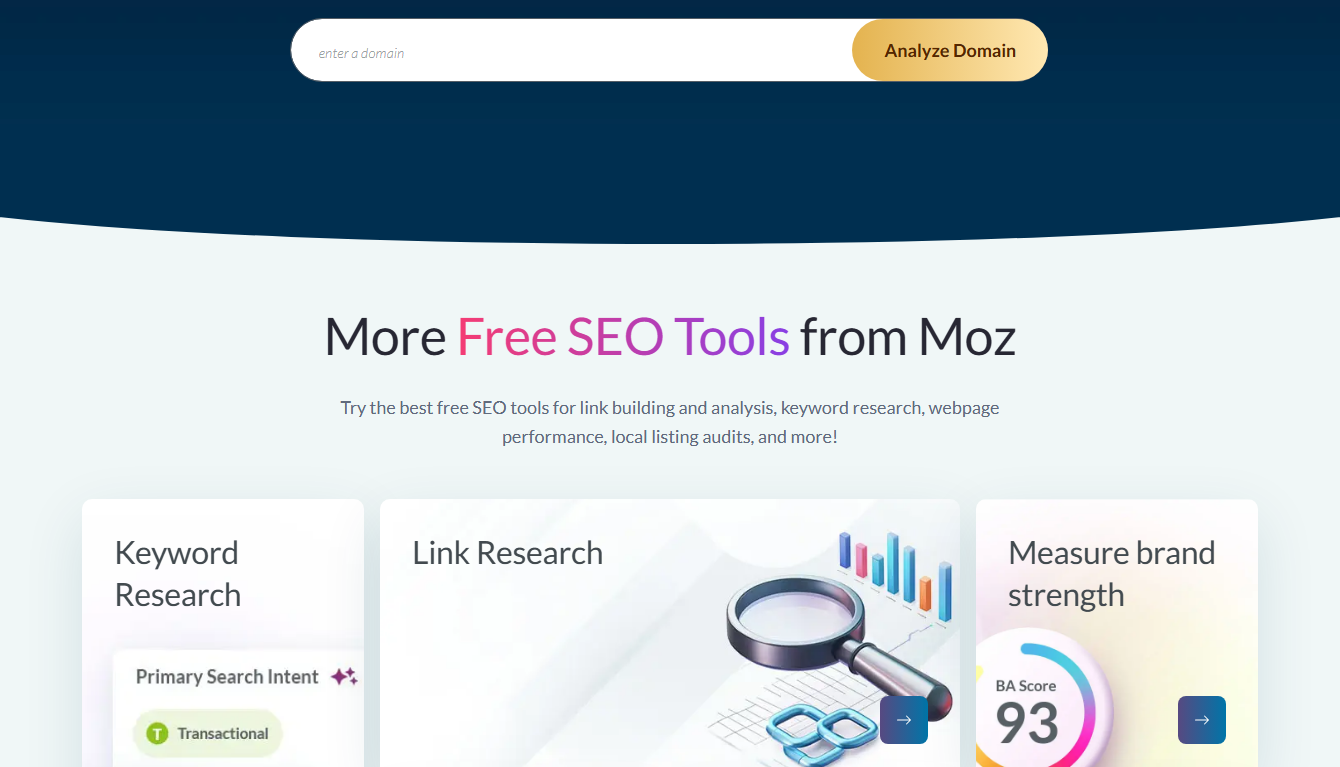
كل أداة Moz مجانية 📋
إليك القائمة الكاملة، مع ما يفعله كل منها والحد الأقصى المسموح به.
| أداة مجانية | ماذا يفعل | الحد الحر |
|---|---|---|
| موزبار | إحصائيات تحسين محركات البحث (SEO) في متصفحك | المقاييس الأساسية ✅ |
| مستكشف الروابط | انظر الروابط الخلفية | بيانات جزئية |
| تحليل المجال | التحقق من سلطة المجال | عدد قليل من الشيكات |
| مستكشف الكلمات الرئيسية | ابحث عن الكلمات المفتاحية | ~3 عمليات بحث/يوم |
| البحوث التنافسية | قارن المنافسين | محدود |
| موزكاست | تتبع تغييرات جوجل | مجاني ✅ |
ست أدوات، كلها مجانية للبدء. هذه مجموعة أدوات حقيقية للعمل السريع على تحسين محركات البحث.
المتميزون 🌟
موزبار. أُفضله. فهو يضع إحصائيات تحسين محركات البحث (SEO) على أي صفحة أثناء التصفح. أصبحت عمليات فحص المنافسين السريعة سهلة.
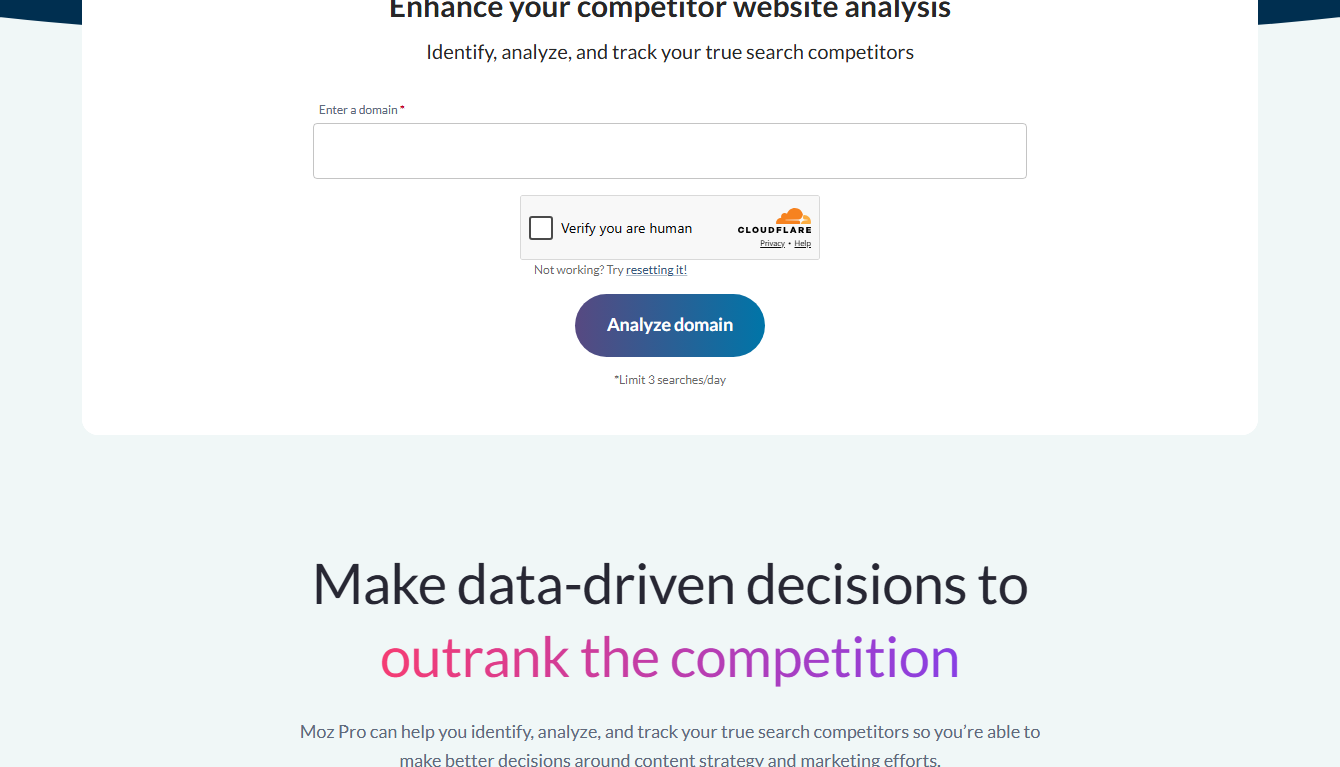
تحليل المجال. اكتب أي مجال. انظر سلطة المجال الخاصة بها وأهم الصفحات. عظيم لتحجيم المنافسين.
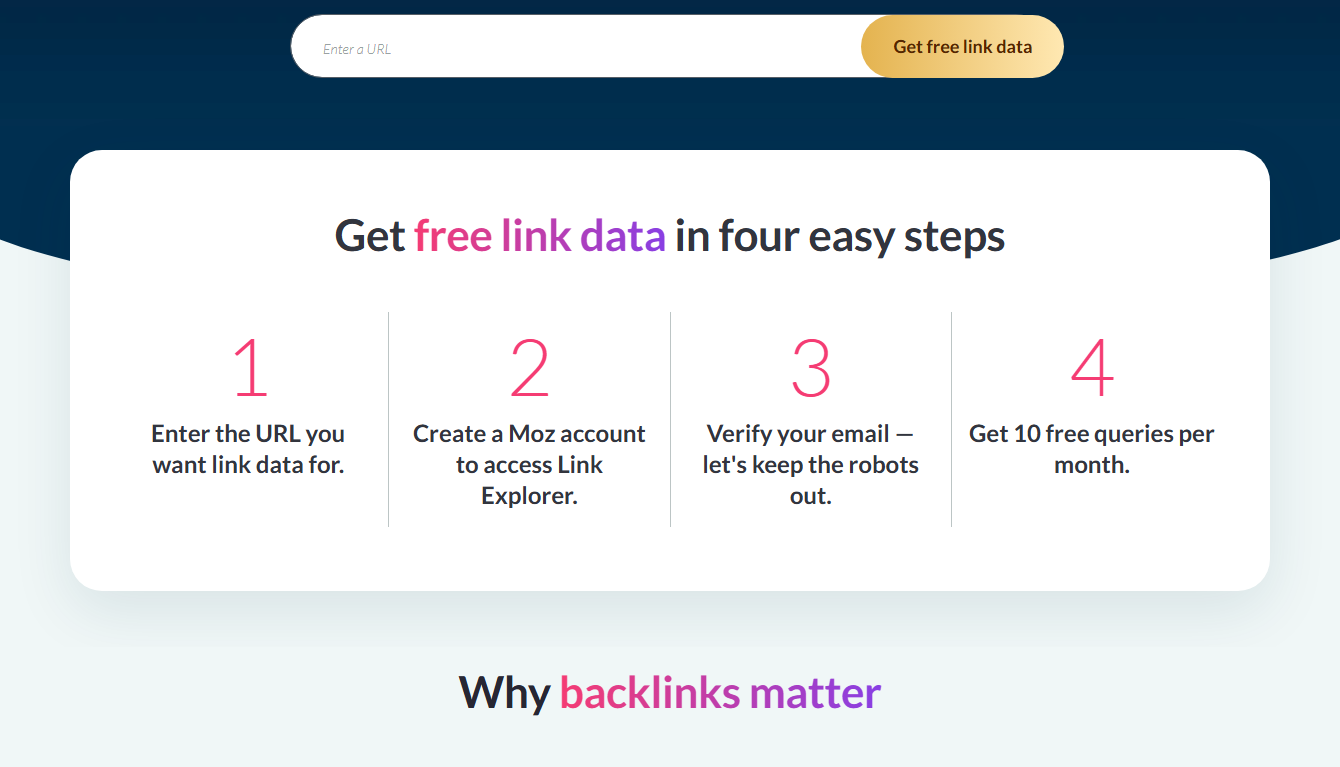
مستكشف الروابط. نظرة خاطفة على الروابط الخلفية. النسخة المجانية تظهر شريحة. لا تزال مفيدة للأفكار.
للحصول على أداة واحدة متعمقة، راجع ملفي دليل الأدوات المجاني Moz.
💡 الأدوات المجانية محدودة — الإصدار التجريبي يفتح لك كل شيء
Free vs Pro: متى تتم الترقية
تعتبر الأدوات المجانية رائعة لإجراء فحوصات سريعة. لكنهم متوجون. عدد قليل من عمليات البحث اليومية.
بيانات جزئية. لا يوجد تتبع رتبة. لا يوجد زحف كامل.
إذا كنت تقوم بتحسين محركات البحث يوميًا، فسوف تصل إلى تلك الجدران بسرعة. وذلك عندما يؤتي Moz Pro ثماره. يمكنك اختباره مجانًا لمدة 30 يومًا. انظر بلدي موز مجاني انشر الصورة الكاملة المجانية مقابل المدفوعة.
كيفية بناء سير عمل SEO مجاني 🔄
يمكنك إجراء تحسين محركات البحث الحقيقي باستخدام أدوات Moz المجانية فقط. اسمحوا لي أن أظهر لك سير عمل مجاني بسيط.
الخطوة 1: التحقق من قوتك. قم بتشغيل موقعك من خلال تحليل المجال. لاحظ سلطة المجال الخاص بك. هذه هي النتيجة البداية الخاصة بك.
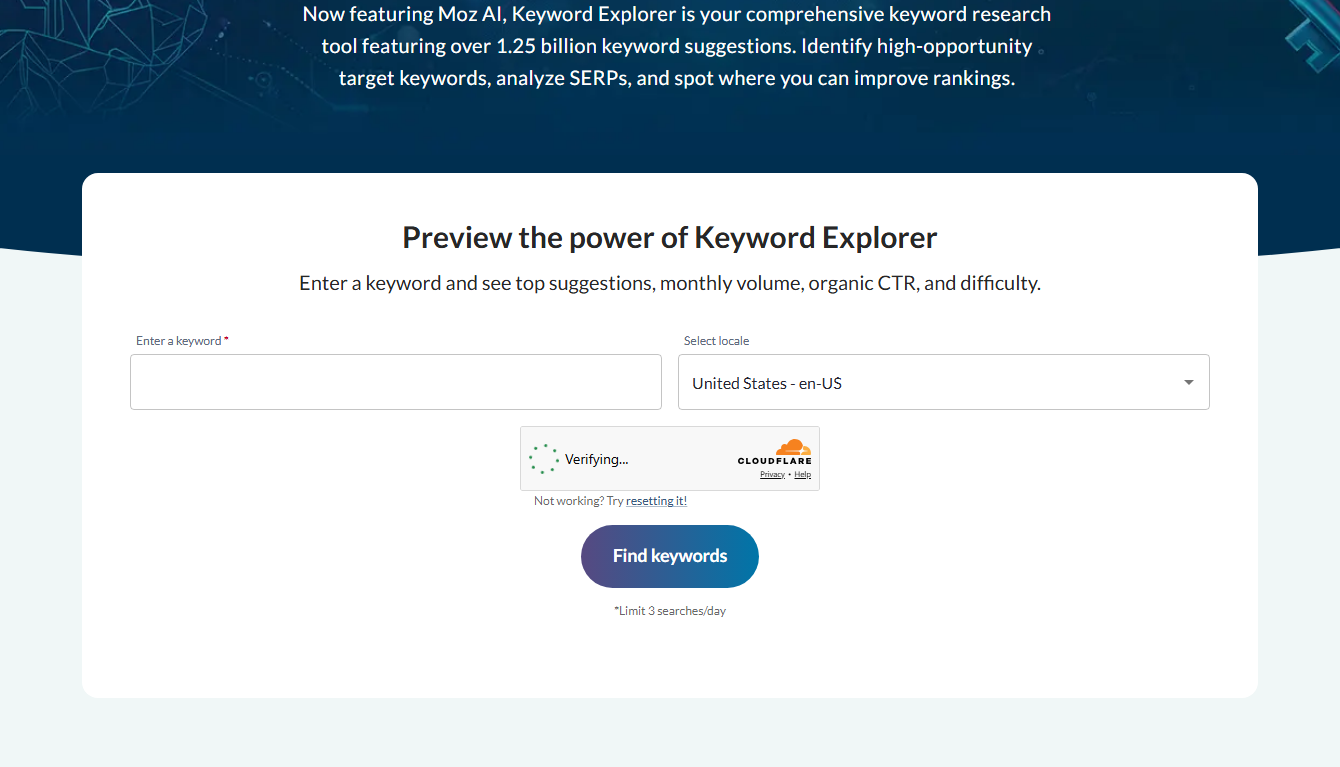
الخطوة 2: ابحث عن كلمة رئيسية. استخدم عمليات البحث المجانية في Keyword Explorer. ابحث عن المصطلحات منخفضة الصعوبة ذات الحجم الحقيقي. اختر واحدًا لاستهدافه.
الخطوة 3: نطاق المنافسة. قم بتشغيل موزبار. جوجل كلمتك الرئيسية. انظر DA لأفضل النتائج. هل هم قابلون للهزيمة؟
الخطوة 4: الكتابة والنشر. أنشئ منشورًا قويًا لهذه الكلمة الرئيسية. جعله أفضل من ما هو الترتيب.
الخطوة 5: تتبع التغييرات. أعد التحقق من نطاقك بمرور الوقت. شاهد DA الخاص بك والصفحات تنمو.
هذه حلقة SEO كاملة ومجانية. لا حاجة للدفع. تتعامل الأدوات المجانية مع كل خطوة بشكل جيد بما يكفي للحصول على نتائج حقيقية على موقع صغير.
الحدود التي ستصل إليها في النهاية 🚧
إن سير العمل الحر يعمل، لكن له حدود. اسمحوا لي أن أكون صريحا بشأنهم.
تقتصر أداة الكلمات الرئيسية على عدد قليل من عمليات البحث يوميًا. قم بدفعة بحثية كبيرة وسوف تنفد بسرعة.
لا يوجد تتبع رتبة. لذلك لا يمكنك رؤية تحركات مواقعك الدقيقة يومًا بعد يوم. يمكنك تخمين من DA وحركة المرور الخاصة بك.
بيانات الارتباط الخلفي جزئية. لبناء روابط جدية، أنت بحاجة إلى الصورة الكاملة.
وليس هناك زحف كامل للموقع. لذا فإن البحث عن الأخطاء على مستوى الموقع ليس ممكنًا مجانًا.
لذا فإن الأدوات المجانية هي بداية رائعة. ولكن بالنسبة إلى تحسين محركات البحث العميق يوميًا، فسوف تتفوق عليهم. وذلك عندما تتألق النسخة التجريبية الاحترافية لمدة 30 يومًا. يرفع كل حد مجانا لمدة شهر. انظر بلدي كيفية الحصول على دليل Moz Pro المجاني.
إقران أدوات Moz المجانية مع أدوات Google 🤝
إليك نصيحة احترافية. اجمع بين أدوات Moz المجانية وأدوات Google المجانية. معًا، إنهم أقوياء.
تعرض Google Search Console نقراتك ومواضعك الحقيقية، مباشرة من Google. إنه مجاني وضروري.
يعرض Google Analytics حركة المرور الخاصة بك وما يفعله الزوار. مجاني أيضًا.
أضف MozBar الخاص بـ Moz، وتحليل المجال، ومستكشف الكلمات الرئيسية في الأعلى. الآن لديك أفكار للكلمات الرئيسية، وبيانات المنافسين، والأرقام الحقيقية الخاصة بك. كل ذلك مجانا.
يغطي هذا التحرير والسرد مساحة كبيرة من الأرض بدون تكلفة. هذه هي الطريقة التي أبدأ بها أي موقع صغير. ثم قم بإضافة الإصدار التجريبي من Moz Pro عندما تريد بيانات أكثر عمقًا وشاملة. انظر بلدي هو دليل موز المجاني.
كم يمكنك أن تفعل مجانا؟ 🆓
يتساءل الناس عما إذا كانت الأدوات المجانية "حقيقية" أم أنها مجرد إعلانات تشويقية. مع Moz، فهي مفيدة حقًا. إليك ما هو ممكن.
يمكنك زيادة حجم قوة أي منافس. يمكنك العثور على عدد قليل من الكلمات الرئيسية كل يوم. يمكنك فحص الروابط الخلفية بحثًا عن الأفكار. يمكنك تتبع مزاج خوارزمية Google. يمكنك التحقق من سلطة المجال الخاصة بموقعك.
يعد هذا جزءًا حقيقيًا من عمل تحسين محركات البحث (SEO)، بدون تكلفة. بالنسبة لموقع صغير أو للمبتدئين، فهو يغطي الأساسيات جيدًا.
لكن الحدود حقيقية. عدد قليل من عمليات البحث اليومية. بيانات جزئية.
لا يوجد تتبع أو الزحف الكامل. لذا فإن المستخدمين الثقيلين سوف يتفوقون عليهم. ولكن بالنسبة للعمل الخفيف والمنتظم، فإن الأدوات المجانية تتفوق على وزنها.
أدوات مجانية كمختبر للتعلم 🧪
وهنا استخدام يغفل عنه الناس. تعد أدوات Moz المجانية طريقة رائعة لتعلم تحسين محركات البحث.
يمكنك التجول دون أي خطر. تحقق من DA لموقع مشهور. انظر الروابط الخلفية الخاصة به. قارن بين اثنين من المنافسين. كل نقرة تعلمك شيئًا ما.
تبدأ في رؤية الأنماط. لماذا تصنف بعض المواقع. كيف تبدو الروابط الخلفية القوية. كيف تعمل درجات الصعوبة. هذه المعرفة من ذهب، وهي مجانية.
لذا، إذا كنت جديدًا في مجال تحسين محركات البحث (SEO)، فتعامل مع الأدوات المجانية كفصل دراسي. يستكشف. تجربة.
تعلم بالممارسة. بعد ذلك، عندما تكون مستعدًا للعمل الحقيقي، أضف النسخة التجريبية الاحترافية لمدة 30 يومًا للتعمق أكثر. انظر بلدي دليل تجربة Moz المجانية.
روتين تمهيدي مجاني يمكنك نسخه 📋
هل تريد روتينًا مجانيًا وبسيطًا لتحسين محركات البحث باستخدام أدوات Moz المجانية فقط؟ إليك واحدة يمكنك نسخها اليوم.
الاثنين: تحقق من سلطة المجال لموقعك من خلال تحليل المجال. لاحظ الرقم.
الثلاثاء: استخدم عمليات البحث المجانية في Keyword Explorer. ابحث عن كلمة رئيسية واحدة سهلة لاستهدافها هذا الأسبوع.
الأربعاء: قم بتشغيل موزبار. جوجل تلك الكلمة الرئيسية. تحقق من DA لأفضل النتائج. هل هم قابلون للهزيمة؟
الخميس: اكتب منشورًا قويًا لهذه الكلمة الرئيسية.
الجمعة: استخدم Link Explorer للعثور على بعض المواقع التي يمكنك أن تطلب رابطًا لها.
هذا أسبوع كامل من تحسين محركات البحث الحقيقية، وكل ذلك مجانًا. كرر ذلك كل أسبوع وسينمو موقعك الصغير. عندما تريد التعمق بشكل أعمق وأسرع، أضف النسخة التجريبية الاحترافية لمدة 30 يومًا. انظر بلدي دليل تجربة Moz المجانية.
الأسئلة الشائعة
ما هي الأدوات المجانية التي يقدمها Moz؟
MozBar، وLink Explorer، وتحليل المجال، ومستكشف الكلمات الرئيسية المحدود، والأبحاث التنافسية، وMozCast. كل شيء مجاني للبدء.
هل موزبار مجاني؟
نعم. الإصدار الأساسي مجاني ويعرض إحصائيات تحسين محركات البحث أثناء التصفح. يضيف الإصدار الاحترافي المزيد من البيانات.
هل أدوات Moz المجانية جيدة بما فيه الكفاية؟
لإجراء فحوصات سريعة، نعم. للحصول على تحسين محركات البحث اليومي والمتعمق، ستحتاج إلى Moz Pro. تتيح لك النسخة التجريبية المجانية اختبارها.
هل أحتاج إلى الدفع لاستخدامها؟
لا، فالأدوات المجانية لا تكلف شيئًا. يطلب البعض تسجيلًا مجانيًا. لا شيء يتطلب الدفع.
ما هو عدد عمليات البحث المجانية عن الكلمات الرئيسية التي أحصل عليها؟
يوفر Keyword Explorer عددًا قليلًا من عمليات البحث المجانية يوميًا، عادةً حوالي ثلاث عمليات بحث. للحصول على بحث غير محدود، ستحتاج إلى الإصدار التجريبي Pro لمدة 30 يومًا أو الخطة المدفوعة.
ما هي الأداة المجانية التي يجب استخدامها عندما 🗓️
باستخدام ست أدوات مجانية، ما هي الأدوات التي يمكنك الحصول عليها لكل وظيفة؟ وهنا دليلي السريع.
تحديد حجم المنافس؟ استخدم MozBar أو تحليل المجال. كلاهما يظهر قوة الموقع بسرعة.
تخطط لمنصب جديد؟ استخدم عمليات البحث المجانية في Keyword Explorer. تحقق من الحجم والصعوبة.
البحث عن أفكار الارتباط؟ استخدم مستكشف الارتباط. معرفة من يرتبط بالمنافسين.
تقارن نفسك بمنافس؟ استخدام البحوث التنافسية. بقعة الفجوات لملء.
تتبع مزاج جوجل؟ استخدم موزكاست. يُظهر تغييرات الخوارزمية.
قم بمطابقة الأداة بالمهمة وسوف تتحرك بسرعة. كل واحدة منها مجانية، لذا لا توجد تكلفة لتجربتها جميعًا. احتفظ بهذه القائمة في متناول يديك أثناء عملك.
الحصول على أقصى استفادة من الأدوات المجانية 💡
بعض النصائح للحصول على قيمة حقيقية من أدوات Moz المجانية.
استخدم عمليات البحث اليومية بحكمة. مع عدد قليل فقط من عمليات البحث عن الكلمات الرئيسية المجانية يوميًا، قم بالتخطيط لها. ابحث عن أهم أفكارك أولاً.
احتفظ بـ MozBar قيد التشغيل أثناء التصفح. لا يكلف شيئًا ويعطي إحصائيات فورية. ستكتشف الفرص التي قد تفوتك.
تحقق من DA الخاص بك شهريًا. تتبع المجال الخاص بك مع مرور الوقت. تعتبر مشاهدته وهو يتسلق أمرًا محفزًا ويخبرك ما إذا كان عملك يؤتي ثماره.
لا تتجاهل الحدود. عندما يبدأ الحر في القرص، فهذه إشارة. موقعك ينمو. حان الوقت لاختبار مجموعة الأدوات الكاملة من خلال النسخة التجريبية المجانية.
استخدم هذه العادات وستصبح الأدوات المجانية محركًا حقيقيًا لموقع صغير. ثم انتقل إلى Pro عندما تكون مستعدًا للمزيد. انظر بلدي دليل تجربة Moz المجانية.
أفكار ختامية
أدوات Moz المجانية هي مجموعة أدوات بداية حقيقية لتحسين محركات البحث. MozBar، Domain Analysis، وLink Explorer يتصدرون المجموعة. كل شيء مجاني.
إنهم متوجون، على الرغم من ذلك. للعمل الجاد، تفوز مجموعة الأدوات الكاملة. اختبره مجانًا لمدة 30 يومًا عندما تكون جاهزًا.
ابدأ بالستة المجانية. قم بالترقية فقط عندما تتفوق عليهم.
🚀 افتح مجموعة الأدوات الكاملة — 30 يومًا مجانًا

- Short-Form Video: Reach, Retention and Reality - أكتوبر 24, 2026
- Outline Generators: The One Part of Scripting Worth Automating - أكتوبر 24, 2026
- Video Content in 2026: What the Engagement Data Shows - أكتوبر 21, 2026