
Plays in the language you are reading. Tap any paragraph to start from there.
Heard of Moz but not sure what it does? You're not alone. Let me explain it in plain words. 📈
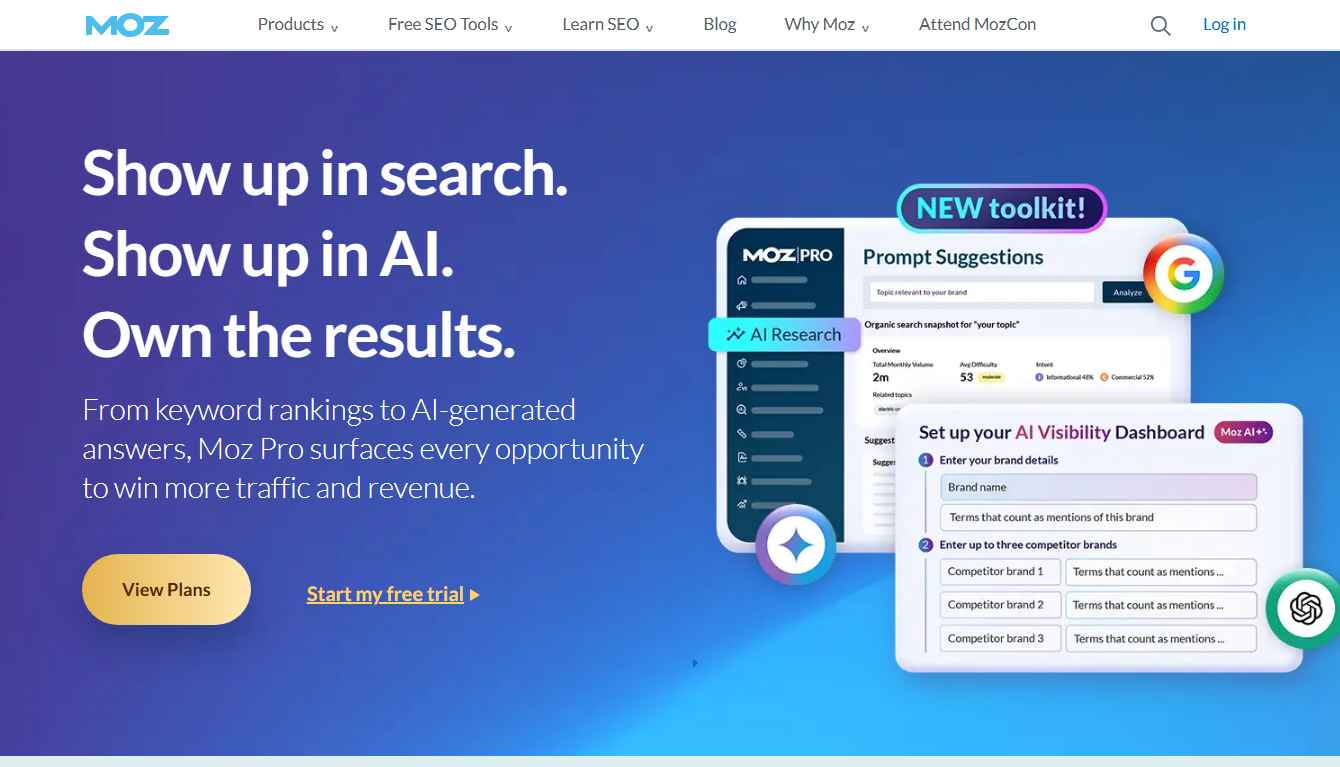
Moz is an SEO toolset. In short, it helps your website show up on Google. It finds keywords, tracks rankings, checks links, and spots site errors.
▶️ Watch on YouTube: Moz SEO Tools for Beginners: First Rankings in 30 Days (Full Roadmap)
Here's what Moz is used for, by the kind of person using it.
🚀 See what Moz can do — free for 30 days
What Moz does, in plain words ⚙️
Moz helps you win traffic from search. Here are the main jobs.
- Keyword research — find words people search for. 🔍
- Rank tracking — watch your Google positions over time. 📈
- Backlink analysis — see who links to you and rivals. 🔗
- Site audits — find errors hurting your SEO. 🛠️
- Domain Authority — Moz's famous score for site strength. 💪
That last one, DA, is a Moz invention. Lots of SEOs use it as a quick health check.
Who uses Moz, and for what 👥
Different people use Moz for different jobs. Here's the match-up.
| User | Uses Moz for |
|---|---|
| Bloggers | Finding easy keywords ✅ |
| E-commerce | Product page SEO, rivals |
| Agencies | Client reports, tracking |
| Small business | Local + site health |
| Beginners | Learning SEO basics |
So whether you run a blog or a shop, Moz has a use. It's built to be friendly for beginners too.
💡 Best way to learn what Moz does? Try it free
A real example
Say you run a small blog. Here's how I'd use Moz.
First, Keyword Explorer to find easy topics. Low difficulty, decent volume. Then I write those posts.
Next, Site Crawl to fix broken links and errors. Then Rank Tracking to watch my posts climb. And Link Explorer to find link ideas.
That's the Moz workflow in a nutshell. For the full feature deep-dive, see my what is Moz Pro guide.
Moz for content planning ✍️
One of Moz's biggest uses is planning content. Let me show you how it works in practice.
Before you write a post, you want to know two things. Does anyone search for this topic? And can you rank for it?
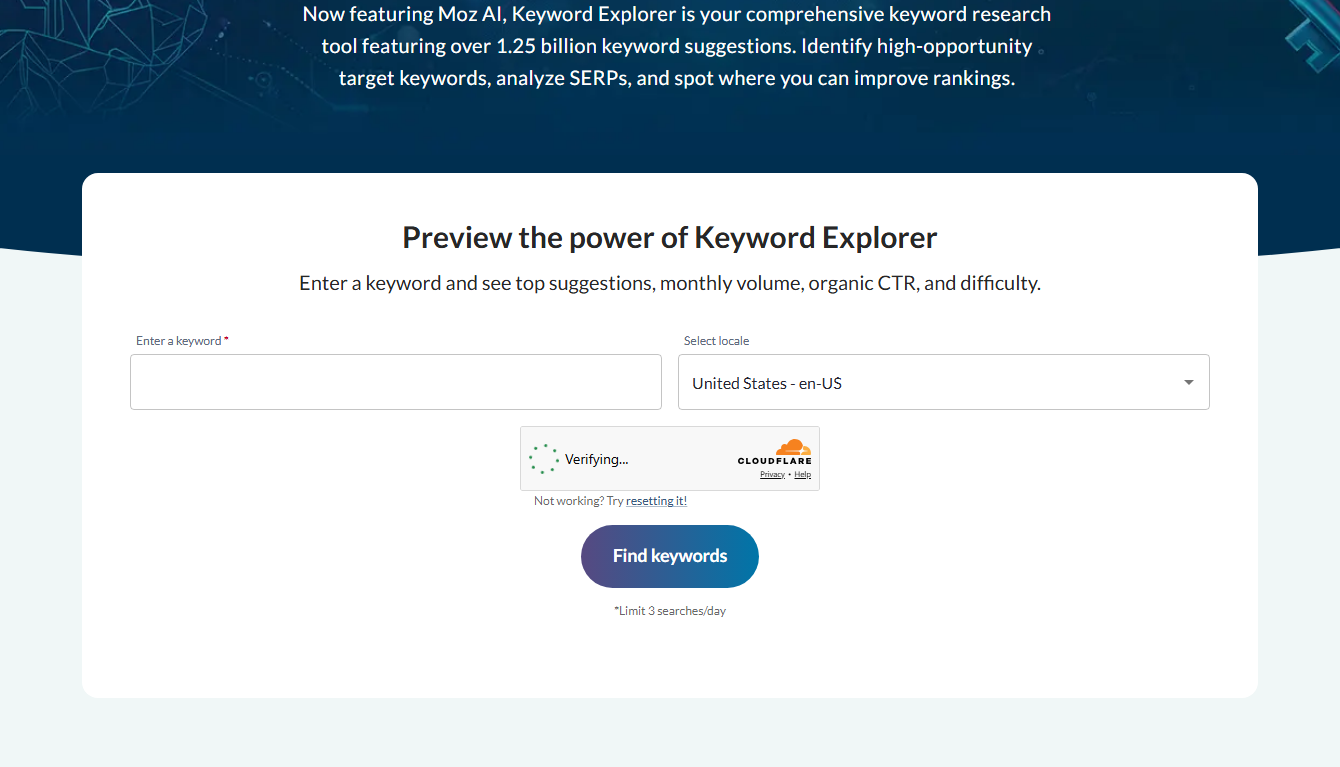
Moz's Keyword Explorer answers both. It shows search volume, so you know if a topic has demand. And it shows difficulty, so you know if you have a shot.
Use it to build a content calendar. Pick low-difficulty keywords with real volume. Write those posts first. You'll see results faster.
That's smarter than guessing. Instead of writing posts no one searches for, you target proven topics you can actually rank for. It's one of the highest-value ways to use Moz.
Moz for fixing your site 🛠️
Another big use is keeping your site healthy. SEO isn't just keywords. It's also a clean, working site.
Moz's Site Crawl scans your whole site. It finds broken links. Missing tags.
Duplicate content. Slow pages. Things that quietly hurt your rankings.
Then it lists the issues by priority. So you fix the big problems first. No guessing what matters.
I run a crawl regularly. It always catches something. A broken link here.
A missing description there. Small fixes that add up to better SEO. For a busy site, this use alone is worth a lot.
Moz for watching competitors 👀
Smart SEO means knowing your rivals. Moz helps a lot here.
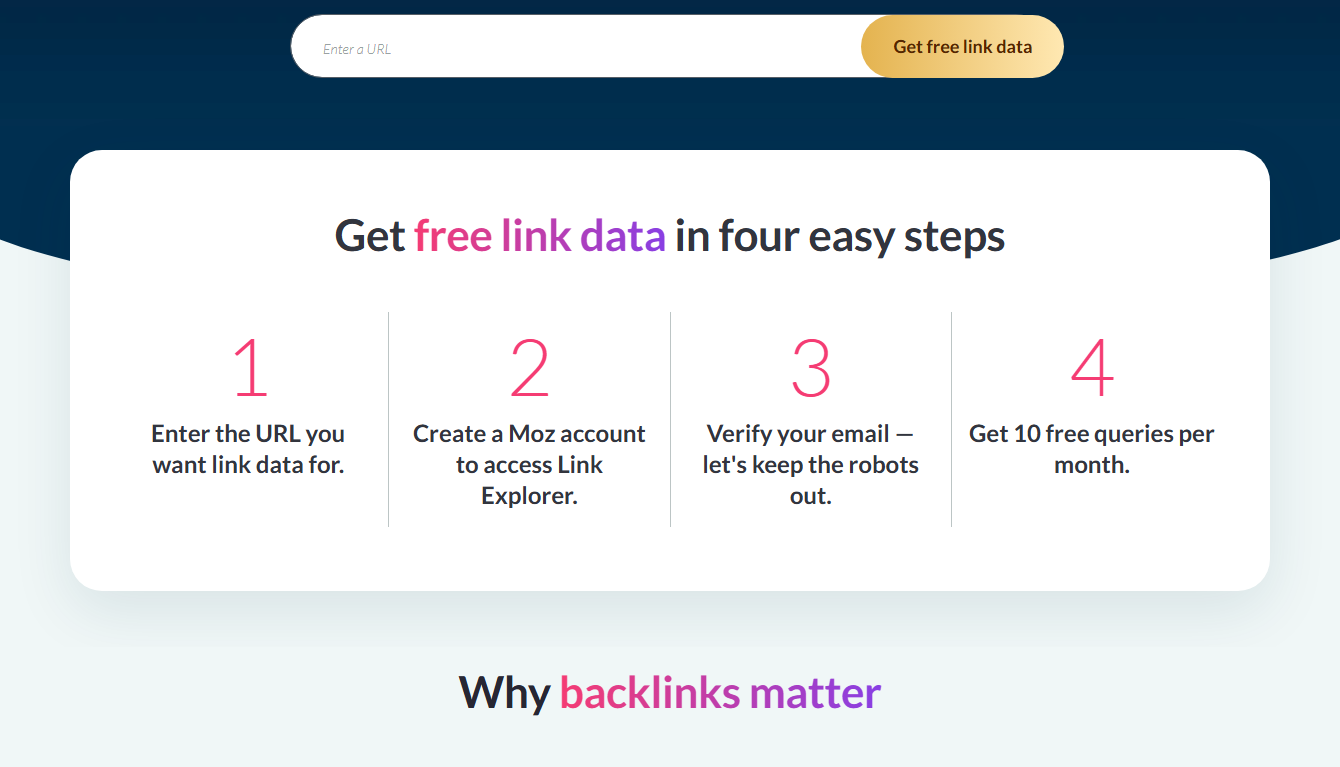
Use Link Explorer to see who links to a competitor. Those same sites might link to you too. That's a ready-made outreach list.
Use Domain Analysis to check a rival's strength. Their Domain Authority tells you how tough they are to beat.
Use MozBar to scan their pages as you browse. See their stats instantly.
Put together, these show you what's working for rivals. Then you can do it better. Competitor research is one of Moz's most practical uses. See my Moz review.
Moz for link building 🔗
Links are a big ranking factor. And Moz is a popular tool for working on them. Here's how.
Link Explorer shows you who links to any site. Check a competitor, and you see their backlinks. Those same sites might link to you too. That's your outreach list.
You can also spot your own broken or lost links. Fix or replace them to keep your link power strong.
Domain Authority helps here too. Before chasing a link from a site, check its DA. A link from a strong site is worth more.
So for link building, Moz gives you targets, ideas, and a way to judge quality. It's one of the most practical uses, especially for sites trying to climb competitive keywords.
Moz for local and small business SEO 🏪
Small and local businesses use Moz a lot. Let me show why it fits them.
A local shop wants to show up when nearby people search. Moz helps find local keywords. "Plumber near me." "Best cafe in town." Real terms customers use.
The site crawl keeps the business site healthy. Broken pages and slow loads hurt rankings, and Moz catches them.
And Domain Analysis lets a small business size up local rivals. See who's strong. Plan how to compete.
For a small business owner doing their own SEO, Moz turns a confusing job into clear steps. That's a huge help when you're busy running the business itself. See my Moz review.
The simplest way to put it 💬
Let me sum up what Moz is used for, in the simplest terms.
Moz helps your website get found on Google. That's the whole point. Everything it does serves that one goal.
It finds the words people search for. It tracks where you rank. It checks who links to you. It spots errors on your site. And it scores your site's strength with Domain Authority.
Put together, those jobs help you climb search results and win free traffic. Whether you're a blogger, a shop, or an agency, that's the value.
The best way to understand it? Try it on your own site. Test Moz free for 30 days. You'll see exactly what it's used for, with your own data. See my Moz free trial guide.
Frequently asked questions
What is Moz used for?
Moz is an SEO toolset. People use it for keyword research, rank tracking, backlink analysis, and site audits. It helps websites rank higher on Google.
Is Moz good for beginners?
Yes. It's one of the more beginner-friendly SEO tools. The layout is clean, and Moz Academy teaches the basics.
What is Domain Authority?
It's Moz's score for how strong a site is in search, from 1 to 100. Higher usually means more ranking power. Many SEOs use it as a quick check.
Can Moz help my small business?
Yes. It helps with site health, keywords, and watching competitors. Test it free for 30 days to see.
Is Moz used for backlinks too?
Yes. Link Explorer shows who links to you and your rivals. It helps you find link-building chances and judge link quality with Domain Authority.
Moz for tracking your progress 📈
You can't improve what you don't measure. That's where Moz's tracking comes in.
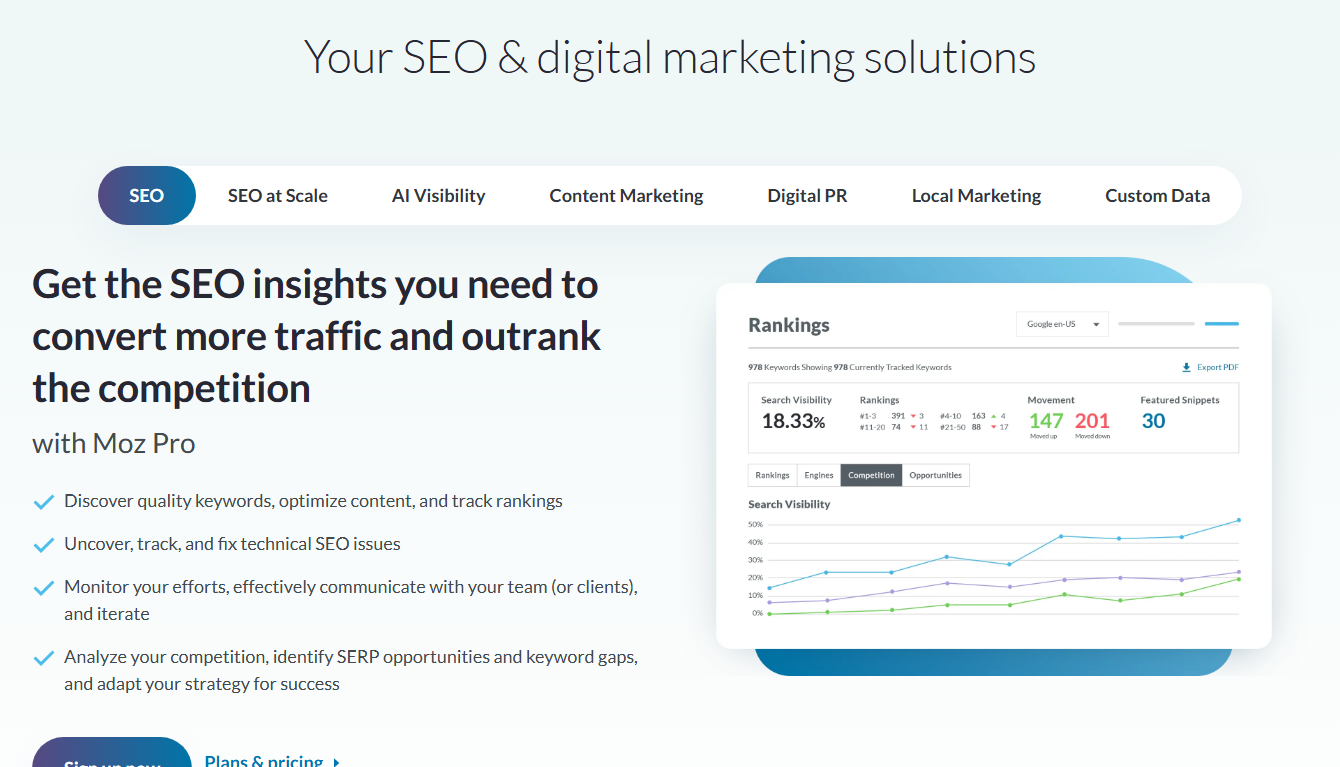
Rank Tracking watches your Google positions over time. You add your keywords. Moz checks where you rank. Then it shows the trend.
Are you climbing? Great, do more of what's working. Slipping?
Time to investigate. Without tracking, you're blind. With it, you see clearly.
Domain Authority also tracks your overall strength. Watch it grow as you build links and content. It's a simple, motivating score.
So Moz isn't just for finding opportunities. It's for measuring results too. That feedback loop is what turns random effort into real, steady SEO growth. It's a core reason people stick with the tool.
Who gets the most from Moz 👥
Moz fits many users, but some get more from it than others. Let me help you see where you fit.
Bloggers love it for finding easy keywords and tracking rankings. It turns guessing into a plan.
Small businesses use it for site health and local visibility. Fix issues, climb the map, win customers.
E-commerce stores target buying keywords and watch rivals. More product page traffic means more sales.
Agencies use it for client reports and tracking many sites at once.
Beginners love how clean and learnable it is. It's a gentle on-ramp to SEO.
Wherever you fit, the best way to see Moz's uses is to try them. Test it free for 30 days on your own site. See my Moz free trial guide.
Final thoughts
So, what is Moz used for? Finding keywords. Tracking rankings.
Checking links. Fixing site errors. In short, helping you win traffic from Google.
It works for bloggers, shops, agencies, and beginners alike. The best way to get it is to try it free.
🚀 See Moz in action — start your free 30-day trial

- Does Antivirus Still Matter? What Testing Shows - September 15, 2026
- Tube Magic vs ChatGPT: Are You Paying for a Wrapper? - September 15, 2026
- Ransomware and Small Business: The Real Numbers - September 12, 2026