
Plays in the language you are reading. Tap any paragraph to start from there.
Want to test SEO tools without paying? Smart move. Many offer free trials.
But the trials are not equal. Some give you a month. Some give you a week. Some barely give you anything. I've tried the big ones, so let me save you time. 🔍
▶️ Watch on YouTube: Moz Pro Free Trial 2026 7 Days of FULL Access (Step-by-Step Setup)
Here are the SEO tools worth testing free, and which I'd start with.
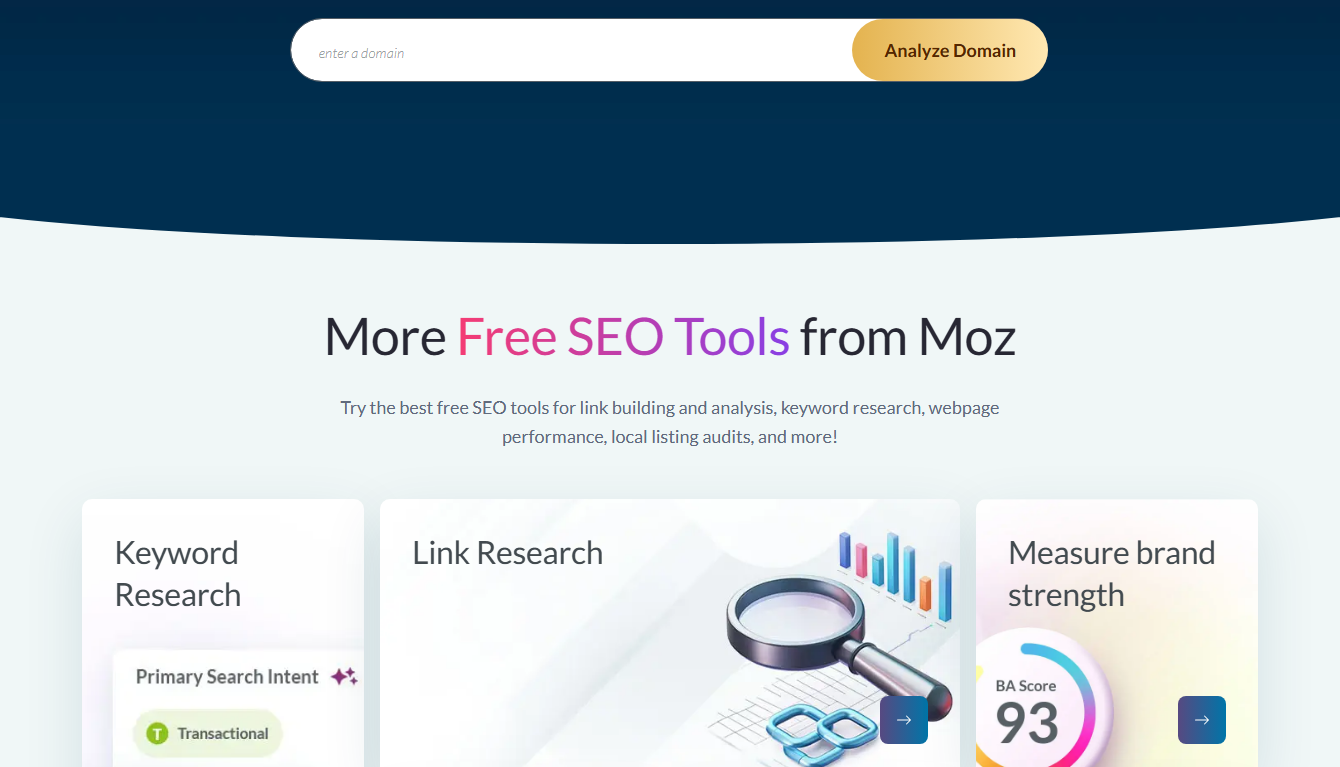
🚀 Moz Pro has the longest free trial — 30 days
Why bother trying free first? 🤔
Simple. SEO tools cost real money each month. Testing first saves you from a bad buy.
You wouldn't buy shoes without trying them on. SEO tools are the same. You need to feel them. See if the data fits your niche. See if you enjoy using them.
A free trial gives you that, at zero cost. If a tool helps, you keep it. If not, you cancel and try the next. No money wasted.
I've dodged a few bad buys this way. A tool looked great online, but the data was thin for my topics. I trialed it, saw the gap, and canceled. Smart testing pays off.
SEO tools that offer free trials 📊
Here's the quick list. I ranked them by how useful the free test is.
| Tool | Free trial | Best for |
|---|---|---|
| Moz Pro | 30 days | Beginners, clean UI ✅ |
| SEMrush | ~7–14 days | All-in-one features |
| Ahrefs | Limited/Webmaster | Backlink data |
| Ubersuggest | 7 days | Budget users |
| SE Ranking | 14 days | Rank tracking |
| Mangools | 10 days | Simple keyword tools |
| Sitechecker | 14 days | Site audits |
Trial length matters. Here's the same data as a chart.
Moz wins on length. A full month beats a rushed week every time.
#1 Moz Pro — why it's my pick
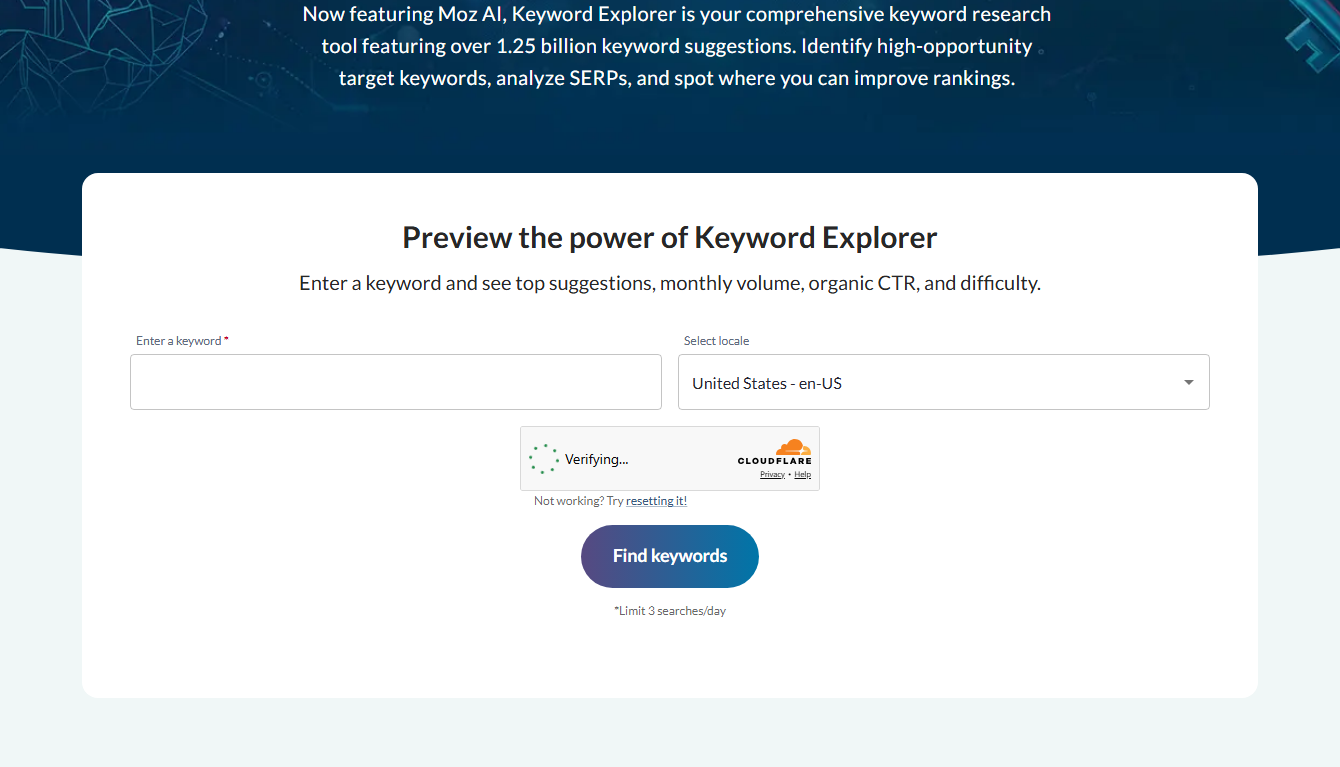
Moz Pro is where I tell beginners to start. The trial is 30 days. The tools are clean and easy. And it owns Domain Authority, the score many SEOs check first.
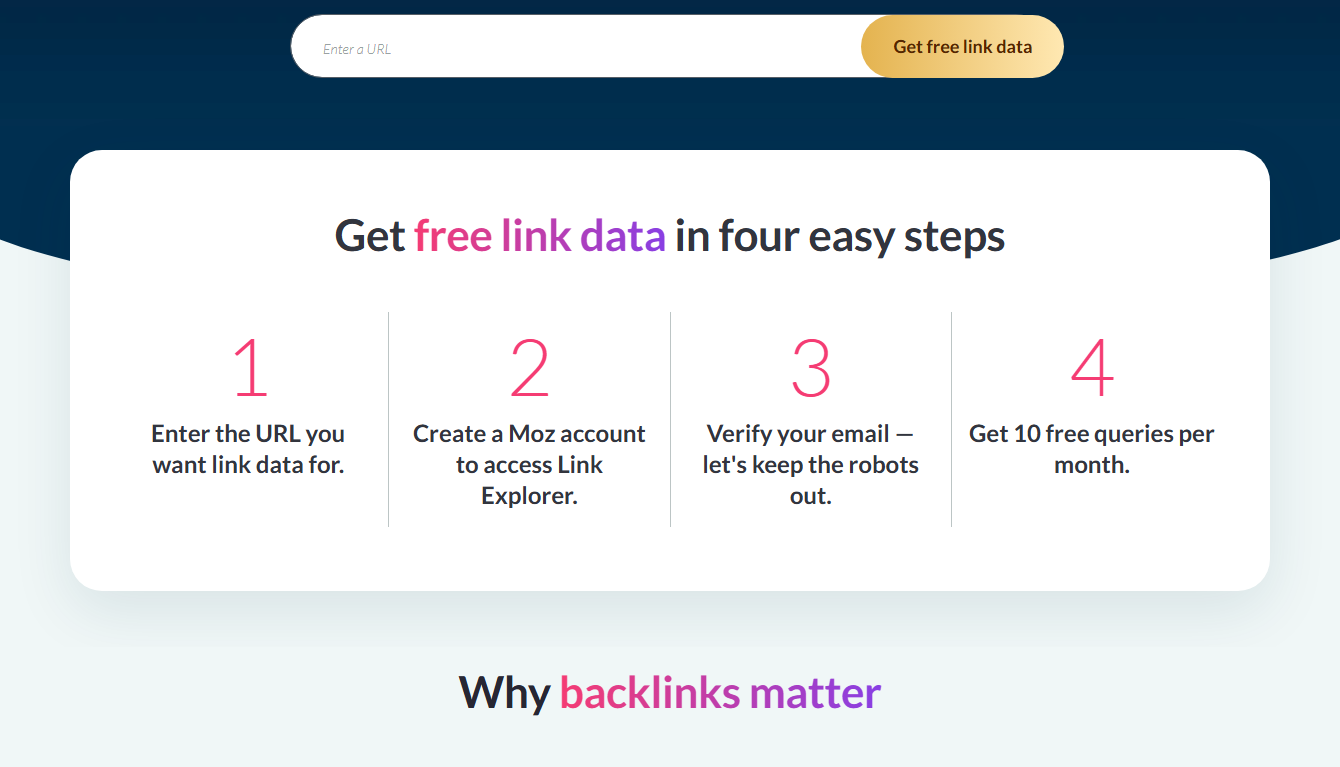
You get Keyword Explorer, Link Explorer, Rank Tracking, and Site Crawl. That covers the core SEO jobs. For the full walkthrough, see my Moz free trial guide.
💡 Start with the easiest tool to learn
What to do after your trials end ✅
Tested a few tools? Now comes the choice. Here's how I'd decide.
First, ask which one you actually enjoyed using. That matters more than people think. A tool you like, you'll use. A tool you dread, you'll abandon.
Second, check which gave the most useful data for your niche. Some tools are stronger in certain topics. The trial showed you which.
Third, weigh the price against the value. Did it help enough to justify the cost? For most beginners, Moz's value-to-ease ratio wins.
Then pick one and commit. Don't keep juggling trials forever. Choose your main tool, learn it deeply, and put it to work. You can always switch later as you grow.
Free tools you keep forever 🆓
Here's a bonus. Even after trials end, some tools stay free. Moz has a handful.
MozBar shows SEO stats as you browse. Domain Analysis checks any site's strength. Keyword Explorer gives a few free searches daily. MozCast tracks Google changes.
So even if you cancel everything, you keep these free helpers. They're capped, but useful for quick checks. It's a nice safety net. See my free Moz tools roundup for the full set.
The others, briefly
SEMrush is the all-in-one giant. Tons of features. A bit much for beginners. See my Moz vs SEMrush post.
Ahrefs is loved for backlink data. Its free trial is limited, though. More in Moz vs Ahrefs.
Ubersuggest is cheap and simple. Good on a tight budget. Less depth than Moz.
The rest are fine for specific jobs. But for a first all-round tool, Moz is the easiest start.
What makes a free trial actually useful 🎯
Not all free trials are created equal. Some are great. Some waste your time. Here's what separates the good ones.
Full access. The best trials give you the real, paid tool. Not a watered-down demo. Moz gives you the full Pro toolset for 30 days.
Enough time. A week flies by. You barely learn the tool before it ends. A month, like Moz offers, lets you test properly.
Easy cancel. A fair trial makes canceling simple. No hidden hoops. No guilt trips.
No surprise bills. You should know exactly when billing starts. Set a reminder, and you stay in control.
When a trial hits all four, it's worth your time. Moz checks every box, which is why it tops my list.
Free trials vs free plans 🆓
Quick thing to clear up. People mix these up.
A free trial gives you the full paid tool, free, for a set time. Then it ends. Moz Pro's 30-day trial is this kind.
A free plan or free tools are limited but free forever. Moz has these too — MozBar, Domain Analysis, and more. They're capped, but handy for quick checks.
So you actually get both with Moz. Use the free tools for fast checks. Use the trial to test the full power. See my free Moz tools roundup for the free side.
Don't trial more than you can handle 🧠
One mistake I made early on. I started five trials at once. Big error.
I couldn't learn any of them well. I got overwhelmed. And I nearly forgot to cancel two, which almost cost me money.
My advice: trial one or two tools at a time. Learn them properly. Then decide. With Moz's 30 days, you have plenty of time to focus on just one. That focus pays off.
Got a free trial? Use it well. Here's my simple test plan for any SEO tool.
Day 1 — setup. Add your site. Run the site audit. See what errors it finds. A good tool makes this easy.
Day 2–3 — keywords. Search a few topics. Check the volume and difficulty data. Is it clear? Is it useful? That tells you a lot.
Day 4–5 — links. Look at your backlinks and a rival's. Is the data deep enough? Easy to read?
Day 6–7 — decide. Did the tool help? Did you enjoy using it? If yes, keep it. If no, cancel and try the next.
With Moz's 30 days, you get four times this window. That's why it's my pick for testing properly.
What to watch out for ⚠️
Free trials have a few traps. Let me flag them.
Auto-billing. Almost all trials charge you when they end. Set a reminder to cancel if you don't want to keep it.
Short windows. A 7-day trial flies by. You barely learn the tool. Longer is better, which is why Moz's 30 days stands out.
Crippled demos. Some "trials" hide the best features. Moz gives you the real Pro toolset, not a stripped version.
Know these and you won't get caught out. The free window stays free, and useful.
Can you stack free trials? 🔁
Yes. And it's smart. Many people test two or three tools, then pick one.
Just track each cancel date carefully. Use a simple note or calendar. Cancel any you don't want before it bills.
This way you can compare Moz, SEMrush, and others side by side, all free. Then commit to the one that fits. For the head-to-head, see my Moz vs SEMrush vs Ahrefs guide.
My pick for most people 💬
After all that testing, my advice is simple. Start with Moz Pro.
The 30-day trial gives real learning time. The tools are clean and beginner-friendly. And you get Domain Authority, a handy quick score.
If you outgrow it later, switch. But as a first SEO tool, Moz is the easiest, lowest-risk place to begin.
Frequently asked questions
Which SEO tool has the longest free trial?
Moz Pro, with 30 days. Most rivals give 7 to 14 days. The longer window lets you test it properly.
Are free trial SEO tools really free?
Yes, during the trial. Most ask for a card but don't charge you until the trial ends. Cancel before then to pay nothing.
Can I use more than one free trial?
Yes. Many people test two or three tools, then pick one. Just track your cancel dates so you aren't charged.
Do I need to be an expert to use them?
No. Moz in particular is built for beginners. The free trial is a great way to learn as you go.
Final thoughts
Lots of SEO tools offer free trials. But length and ease matter most. On both, Moz Pro leads for beginners.
Test it free for 30 days. If it clicks, keep it. If not, try the next one. You lose nothing by starting.
🚀 Try the longest free SEO trial — 30 days with Moz

- Does Antivirus Still Matter? What Testing Shows - September 15, 2026
- Tube Magic vs ChatGPT: Are You Paying for a Wrapper? - September 15, 2026
- Ransomware and Small Business: The Real Numbers - September 12, 2026