
以您正在阅读的语言播放。点击任意段落即可从该段落开始播放。
Kamatera 提供业内最透明的云定价。计划刚开始 每月 4 美元. You pay only for what you use. No long-term contracts.
No hidden fees. The pricing calculator lets you build a custom server in seconds. Compared to AWS, Google Cloud, and Azure, Kamatera is dramatically simpler and more affordable for small to medium workloads. For developers and businesses who want predictable costs without surprises, Kamatera pricing is hard to beat in 2026.
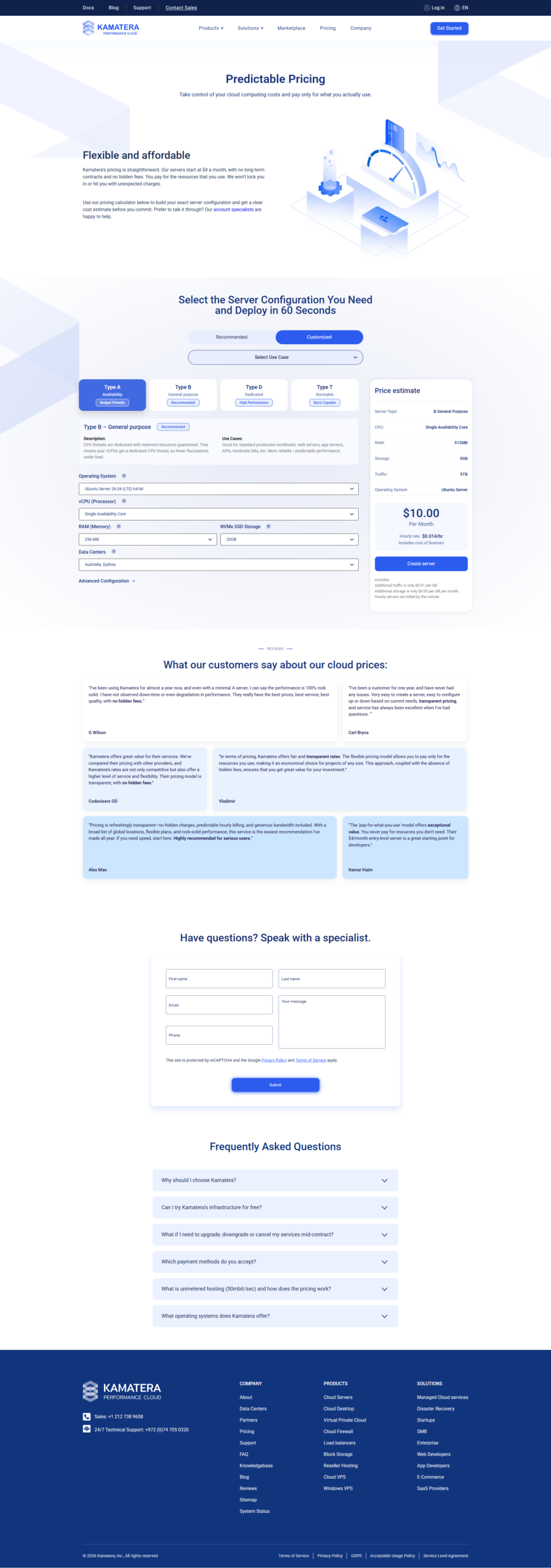
如果您正在寻找 镰寺定价,你想要直接的答案。不是营销废话。没有隐藏的细则。只是真实云服务器的真实数字。
我花了几个小时研究 Kamatera 的定价计算器。我构建了数十种配置。我比较了不同提供商的成本。本指南为您提供了我发现的所有内容 - 简单细分,以便您可以快速做出决定。
这是 2026 年的更新,包含经过验证的定价数据。这里的每个数字都来自 Kamatera 的官方定价页面和计算器。随着价格的变化,我将不断更新本指南。
Let me be clear about something upfront. Cloud pricing can feel like a trap. You see a low number, sign up, and then the bill grows. Kamatera does things differently.
Their pricing is transparent. What you see in the calculator is what you pay. No surprise charges at the end of the month.
准备好了解 Kamatera 定价如何适合您了吗?
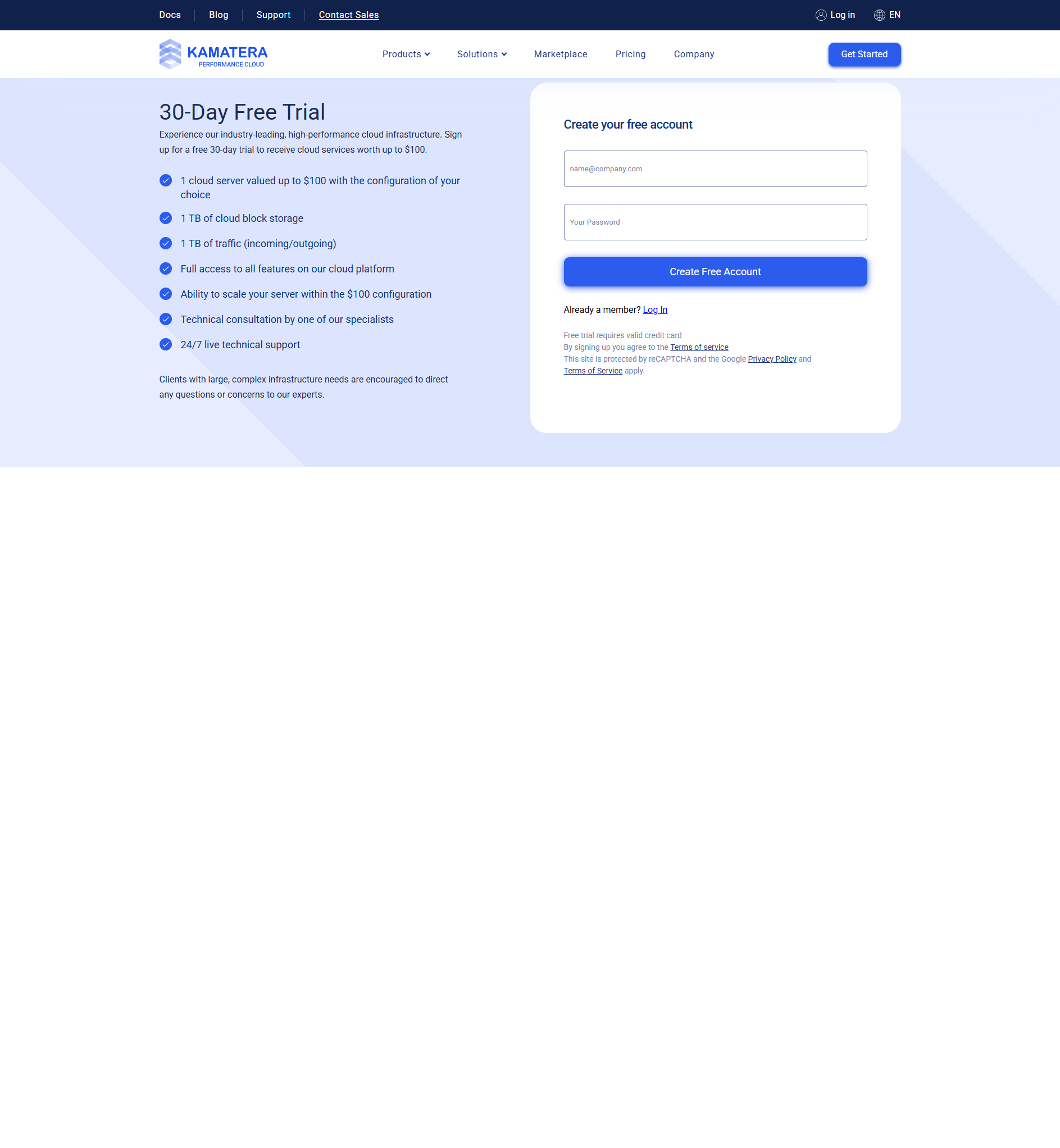
免费试用 Kamatera 30 天,并获得 100 美元的赠金 — 构建任何服务器配置,使用真实流量进行测试,整个月无需支付任何费用。没有风险,没有合同。
相关阅读:
Kamatera 定价计划:完整细分
Kamatera 不会将您锁定在固定的计划中。您构建的正是您所需要的。但他们确实提供了三种推荐的入门配置,让您对定价有所了解。
以下是每个推荐计划的完整规格和成本:
| 计划 | vCPU类型 | 内存 | 贮存 | 交通 | 每月价格 |
|---|---|---|---|---|---|
| 基本的 | 1 个虚拟 CPU(A 型) | 1 GB | 20GB NVMe 固态硬盘 | 5TB | $4 |
| 标准 | 2 个虚拟 CPU(B 型) | 2 GB | 20GB NVMe 固态硬盘 | 5TB | $25 |
| 专业版 | 2 个虚拟 CPU(B 型) | 4GB | 20GB NVMe 固态硬盘 | 5TB | $39 |
4 美元/月的基本计划是入门点。它使用 A 型 CPU,专为注重可用性的工作负载而设计。想想开发服务器、临时环境和低流量网站。
Standard 和 Pro 计划使用 B 型 CPU。这些是通用处理器。它们处理要求更高的工作负载,例如生产网站、Web 应用程序和数据库。
自定义配置定价
大多数人不会选择预先制定的计划。他们建立自己的服务器。 Kamatera 的定制构建器才是真正的价值所在。您选择每个组件。
以下是我在计算器中验证的常见自定义设置的真实价格:
| 配置 | 虚拟 CPU | 内存 | 贮存 | 大约。每月 | 最适合 |
|---|---|---|---|---|---|
| 微 | 1 A 型 | 1 GB | 20GB 固态硬盘 | ~$4 | 开发、小型网站 |
| 迷你型 | 1 A 型 | 2 GB | 20GB 固态硬盘 | ~$6 | 博客,简单的应用程序 |
| 小的 | 2 B型 | 2 GB | 30GB 固态硬盘 | ~$12 | 小型企业网站 |
| 中等的 | 2 B型 | 4GB | 40GB 固态硬盘 | ~$19 | Web 应用,WooCommerce |
| 大的 | 4 B型 | 4GB | 50GB 固态硬盘 | ~$28 | 媒体网站、数据库 |
| XL | 4 B型 | 8GB | 50GB 固态硬盘 | ~$40 | 繁重的工作量 |
| 2XL | 8 B型 | 16GB | 100GB 固态硬盘 | ~$88 | 企业应用程序 |
| 4XL | 16 B型 | 32GB | 200GB 固态硬盘 | ~$180 | 高流量、大数据 |
这里的关键见解是灵活性。您可以从 4 美元开始小额购买。随着您的成长而扩大规模。 Kamatera 不会强迫你制定更大的计划。您只需为您需要的东西付费。
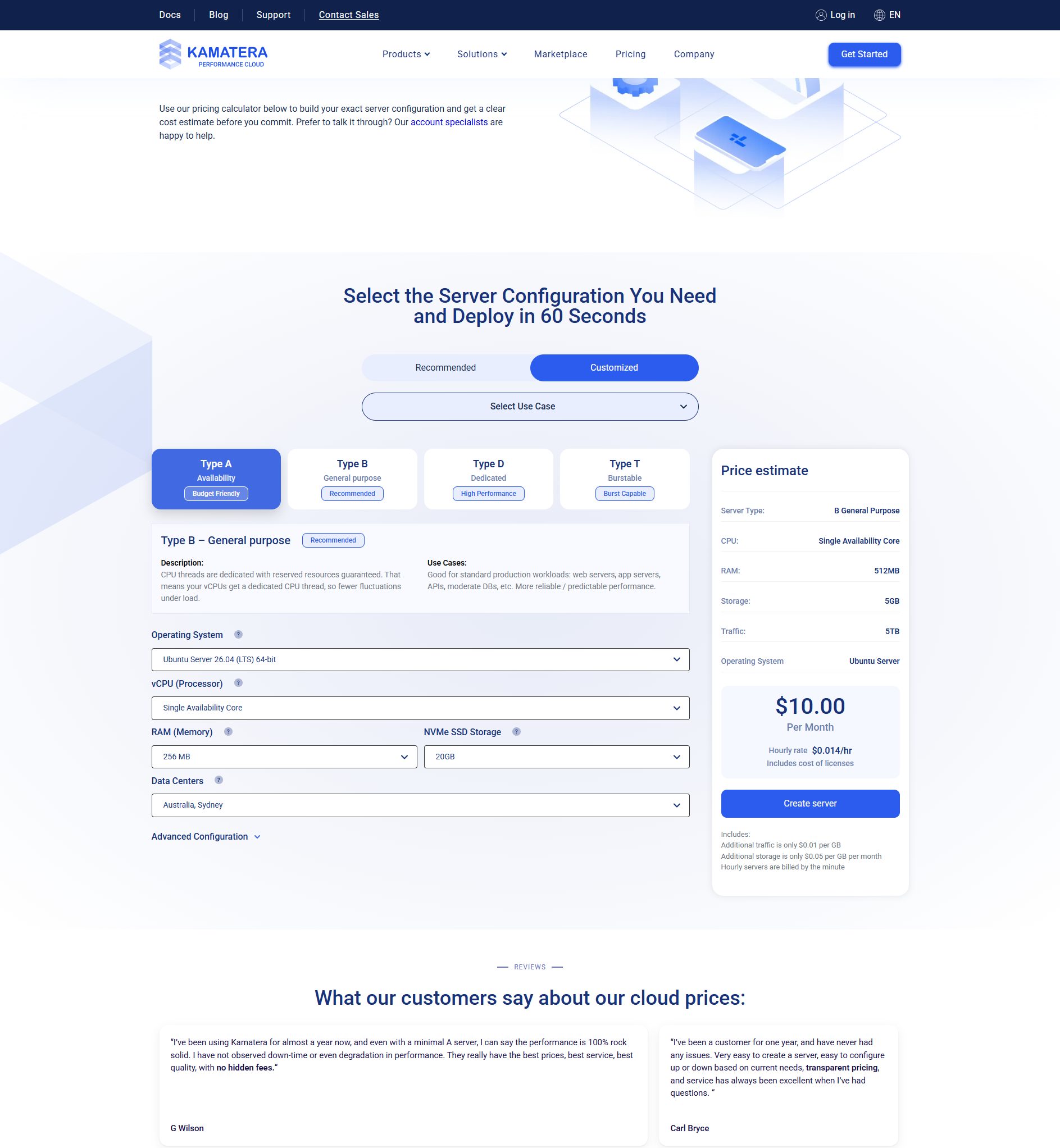
CPU 类型说明:A 型、B 型和 D 型
Kamatera 提供三种 CPU 类型。每个都是针对不同的工作负载而设计的。选择正确的可以为您省钱。
| 中央处理器类型 | 姓名 | 最适合 | 价格因素 |
|---|---|---|---|
| A型 | 可用性 | 开发、暂存、低流量 | 成本最低 |
| B型 | 通用型 | 生产、网络应用程序、数据库 | 平衡 |
| D型 | 专用 | 高性能、合规 | 高级版 |
A 型(可用性) — 这些是共享资源。您的服务器获得优先访问权,但共享物理硬件。非常适合开发、测试和低流量网站。这是最实惠的选择。
B 型(通用) ——性能均衡。您的服务器获得仅在少数租户之间共享的专用 CPU 资源。非常适合生产工作负载、Web 应用程序和大多数业务用例。
D型(专用) — 保留的物理核心。根本没有分享。您的 CPU 核心只属于您。对于高合规性环境、PCI-DSS 和需要一致峰值性能的工作负载来说是必需的。
对于大多数用户来说,B 型是最佳选择。它以合理的价格提供出色的性能。
按小时计费与按月计费:哪个更能为您节省费用?
Kamatera 为您提供两种计费选项。按小时和按月。每个的工作方式都不同。
| 特征 | 每小时 | 月度 |
|---|---|---|
| 最适合 | 开发、临时、测试 | 生产,始终在线 |
| 计费 | 按使用小时付费 | 每月预付 |
| 停止的服务器 | 只需支付存储费用 | 每月全部费用 |
| 节省成本 | 如果 24/7 运行则低 | 始终在线的价格便宜约 15-25% |
这是一个简单的规则。如果您的服务器每周 7 天、每天 24 小时运行,请选择按月计费。大约便宜 15-25%。如果您上下运行服务器进行测试,请使用按小时计费。通过在不使用时停止服务器可以节省资金。
提示: 在免费试用期间从按小时计费开始。您可以稍后切换到每月。这样您就可以测试不同的配置,而无需承担一整月的成本。
您应该了解的额外费用
基础服务器定价只是其中的一部分。以下是可能适用于您的设置的其他成本。
Windows 许可证
Windows Server 每月需额外支付 15-25 美元。如果您需要 Windows 环境,请将其纳入您的预算。 Linux 是免费的。
备份存储
额外的块存储需要额外付费。 Kamatera 根据您提供的存储量收费。免费试用中包含 1 TB 的云块存储。
防火墙附加组件
高级防火墙和安全功能可能会产生额外费用。基本的云防火墙包含在您的服务器中。
负载均衡器
用于在多个服务器之间分配流量的负载平衡器需要额外付费。对于高流量应用很有用。
专用网络
VLAN/专用网络需额外付费。对于安全的多服务器架构来说是必需的。
Kamatera 定价与竞争对手
Kamatera 如何与知名人士抗衡?我比较了不同提供商的同等配置的价格。
| 提供者 | 2 个 vCPU / 4 GB RAM | 4 个 vCPU / 8 GB RAM | 合同 | 隐藏费用 |
|---|---|---|---|---|
| 卡玛特拉 | ~$19/月 | ~$40/月 | 没有任何 | 没有任何 |
| 查看 Kamatera 与 DigitalOcean 的完整价格比较 | $48/月 | $96/月 | 没有任何 | 没有任何 |
| Linode(智能) | $48/月 | $96/月 | 没有任何 | 没有任何 |
| AWS 光帆 | $30/月 | $80/月 | 没有任何 | 可能有所不同 |
| 沃尔特 | $40/月 | $80/月 | 没有任何 | 没有任何 |
对于同等规格,Kamatera 的价格要便宜得多。 Kamatera 上每月 19 美元的配置在 DigitalOcean 和 Linode 上的价格为 48 美元。一年多来,这种差异加起来达数百美元。
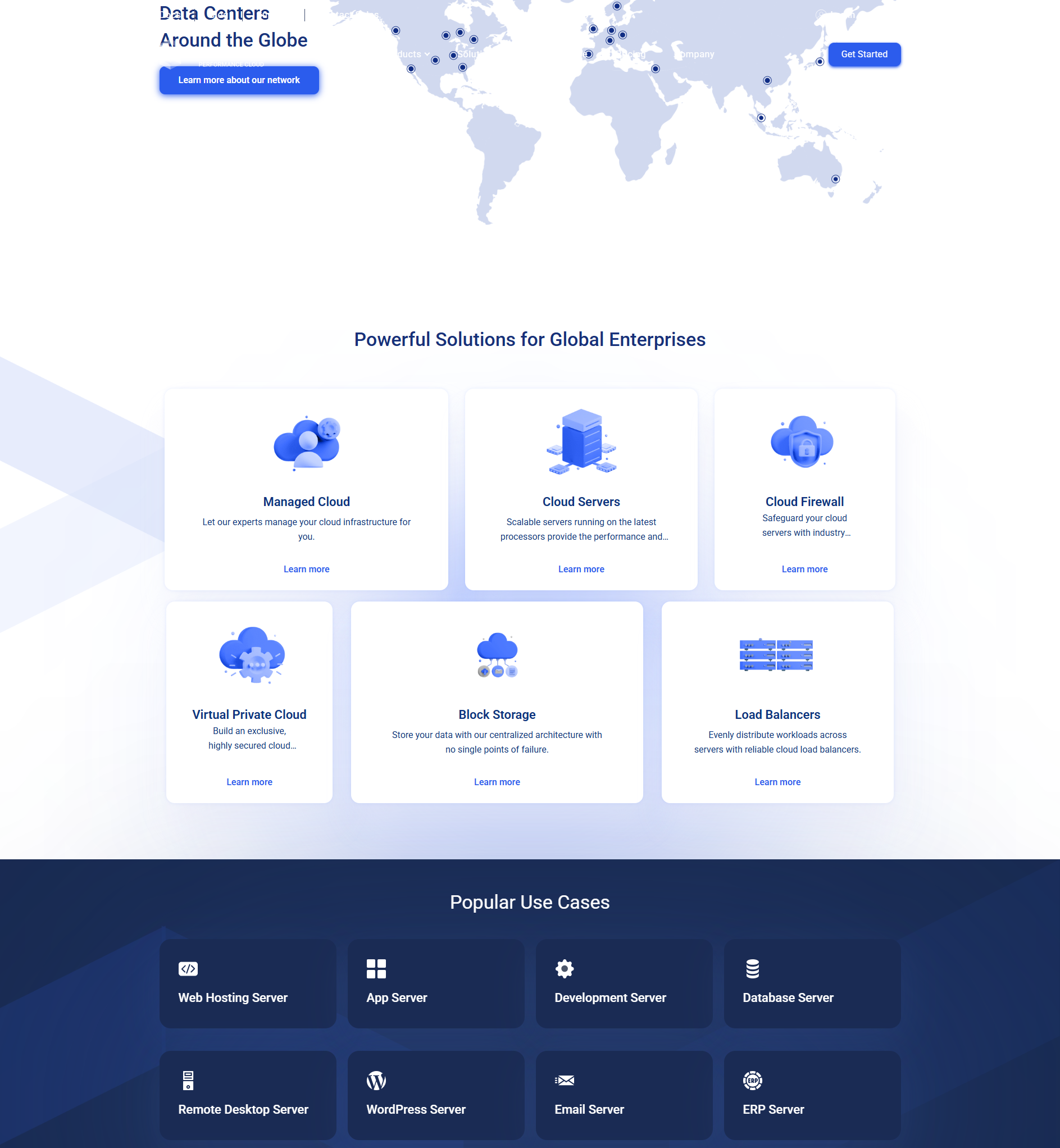
如何使用 Kamatera 定价计算器
定价计算器是 Kamatera 的最佳功能之一。它为您提供任何配置的实时定价。以下是如何使用它。
- 转到计算器。 导航至 Kamatera 的定价页面。计算器就在那里加载。
- 选择推荐或定制。 推荐为您提供预先构建的选项。定制让您可以从头开始构建。
- 选择您的CPU。 选择类型 A、类型 B 或类型 D。然后选择 vCPU 的数量。
- 选择你的内存。 选择从 1 GB 一直到 256 GB 或更多。
- 选择存储。 选择您需要的 NVMe SSD 存储量。从小处开始 - 您可以稍后添加更多。
- 选择一个操作系统。 Ubuntu、CentOS、Debian、Windows Server 等等。 Linux 是免费的。 Windows 增加了许可成本。
- 选择一个数据中心。 选择最接近目标受众的位置以获得最佳效果。
- 查看你的价格。 计算器会立即更新。您会看到每小时和每月的费率。
整个过程大约需要60秒。一旦您对配置感到满意,您就可以立即部署服务器。
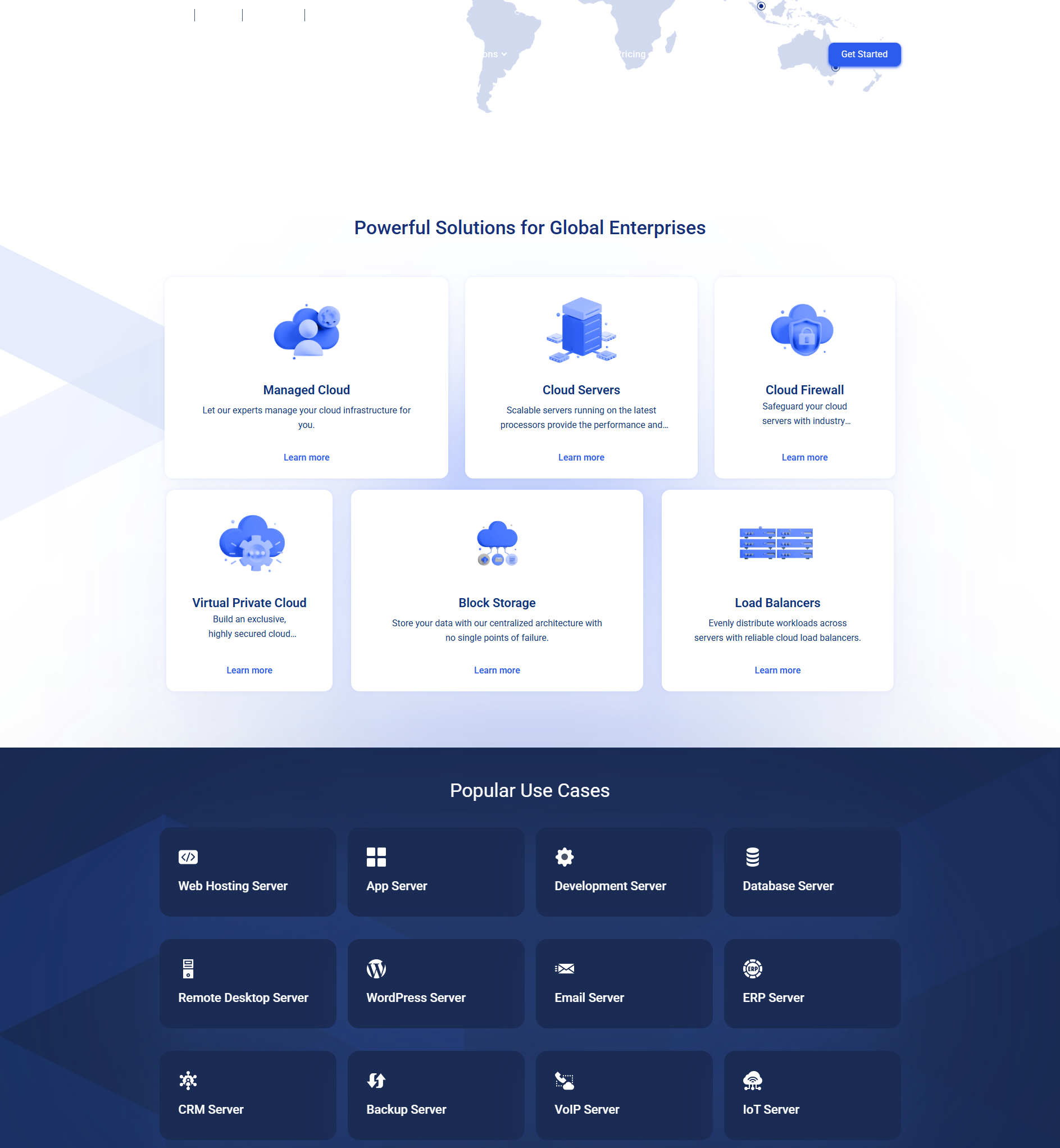
Kamatera 实际上比 AWS 便宜吗?
简短的回答:是的,对于大多数工作负载来说。长答案:这取决于你需要什么。
AWS 提供数百种服务。 Kamatera 专注于核心云基础设施——服务器、存储、网络和防火墙。如果您需要托管数据库、无服务器功能或 AI 服务,AWS 有更多选择。
但如果您只需要一台具有良好性能和透明定价的可靠云服务器,Kamatera 会在成本上胜出。把手放下。
AWS bills can be confusing. Different services have different pricing models. Data transfer costs add up. Reserved instances require upfront commitment.
Kamatera keeps it simple. Pick your specs. Pay your price. No surprises.
重要: 定价可能会发生变化。本指南中的所有数字均截至 2026 年 6 月进行验证。在做出决定之前,请务必检查 Kamatera 的官方定价计算器以了解最新费率。
Kamatera 是否为长期承诺提供折扣?
这是一个常见问题。答案是否定的,这实际上是一件好事。
Kamatera 不为 1 年或 3 年承诺提供折扣。他们不需要。他们的定价已经很低了。您无需为灵活性支付额外费用,因为灵活性已内置于模型中。
将此与 AWS 进行比较。 AWS 收取较高的按需价格。仅当您承诺使用 1 年或 3 年预留实例时,他们才提供较低的费率。如果您的需求发生变化,您就会陷入困境。
With Kamatera, you can change your configuration at any time. Upgrade. Downgrade. Add storage.
Remove storage. There is no penalty. No renegotiation. No commitment.
免费试用如何帮助您测试定价
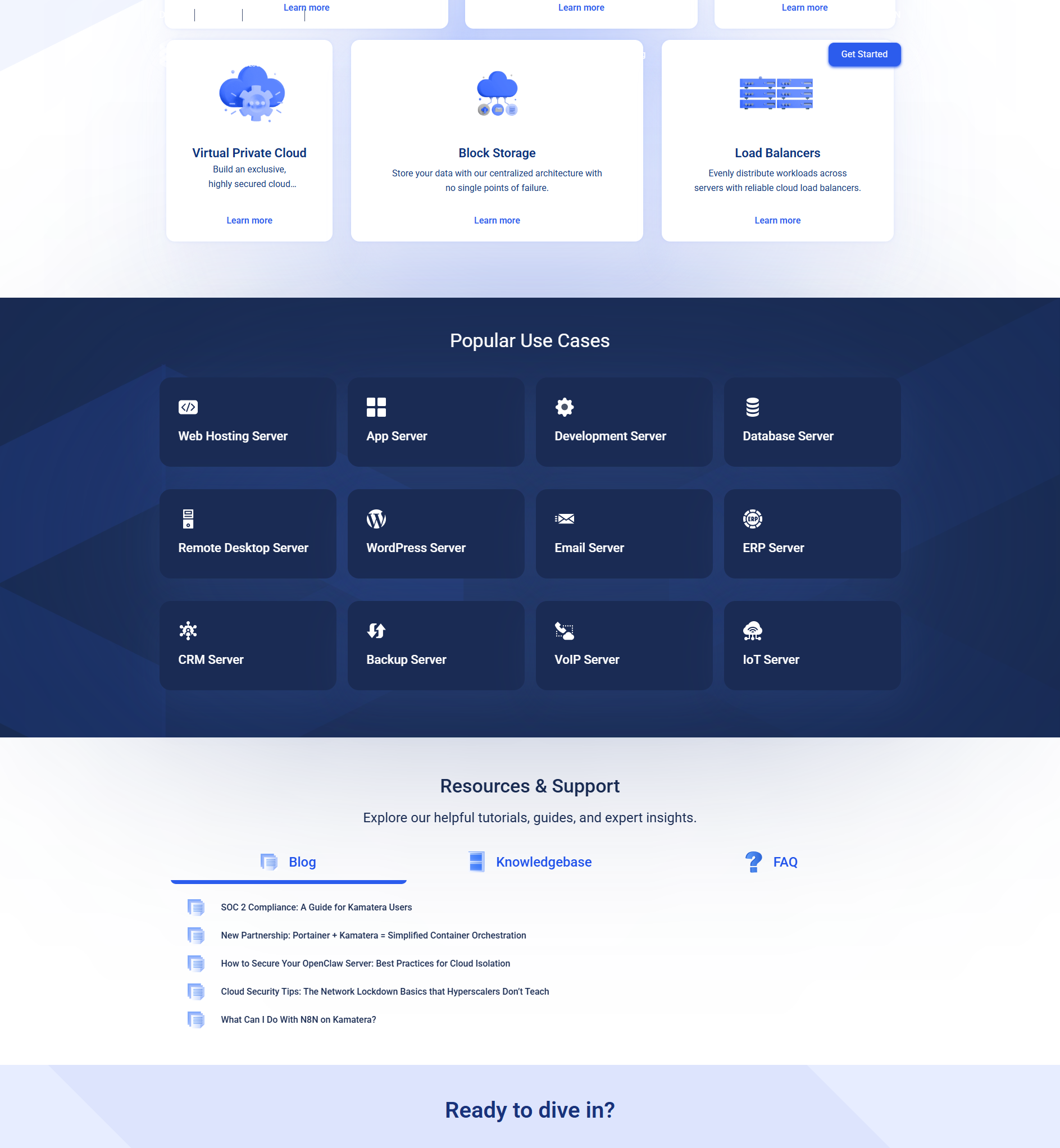
在您花钱之前,您可以免费测试 Kamatera。 30 天免费试用包括 100 美元的赠金。这足以运行 2 个 vCPU、4 GB RAM 服务器一个多月。
以下是使用试用版测试定价的最佳方法:
- 构建您的理想配置。 使用定价计算器设计您的完美服务器。
- 使用试用积分进行部署。 看看它在实际流量中的表现如何。
- 监控使用情况。 检查仪表板,了解您使用了 100 美元积分中的多少。
- 根据需要进行调整。 如果配置太大或太小,请更改它。试用期间不收取任何费用。
- 决定。 30 天结束后,您就可以确切地知道您的设置成本以及 Kamatera 是否满足您的需求。
这种亲自动手的方法比猜测要好得多。在支付任何费用之前,您可以获得有关性能和成本的真实数据。
Kamatera 定价常见问题解答
Kamatera真的是每月4美元吗?
Kamatera 数据传输收费吗?
我以后可以更改服务器配置吗?
Kamatera 上的 Windows 比 Linux 贵吗?
Kamatera 有隐藏费用吗?
按小时计费如何运作?
我可以在付费前免费试用 Kamatera 吗?
Kamatera 定价的最终裁决
Kamatera 定价透明、灵活且实惠。计划起价为每月 4 美元。您只需为您使用的内容付费。没有合同,没有隐藏费用,也没有意外。
与 DigitalOcean、Linode 和 Vultr 等竞争对手相比,Kamatera 在同等配置下提供的价格要低得多。与 AWS 和 Google Cloud 相比,对于中小型工作负载来说,节省的费用甚至更为显着。
免费试用版可让您在付款前测试任何配置。这是查看 Kamatera 定价是否适合您的特定用例的最佳方式。
如果您看重简单性、透明度和低成本,Kamatera 是 2026 年最佳云托管选择之一。

-
Is Tube Magic Worth $47 a Month? The Break-Even Maths - 8 月 24, 2026 -
AI Tools For Growing on YouTube: What Works and What Wastes Money - 8 月 23, 2026 -
Tube Magic 2026 年评测:每月 47 美元究竟能买到什么? - 8 月 22, 2026